
The WAVV Admin
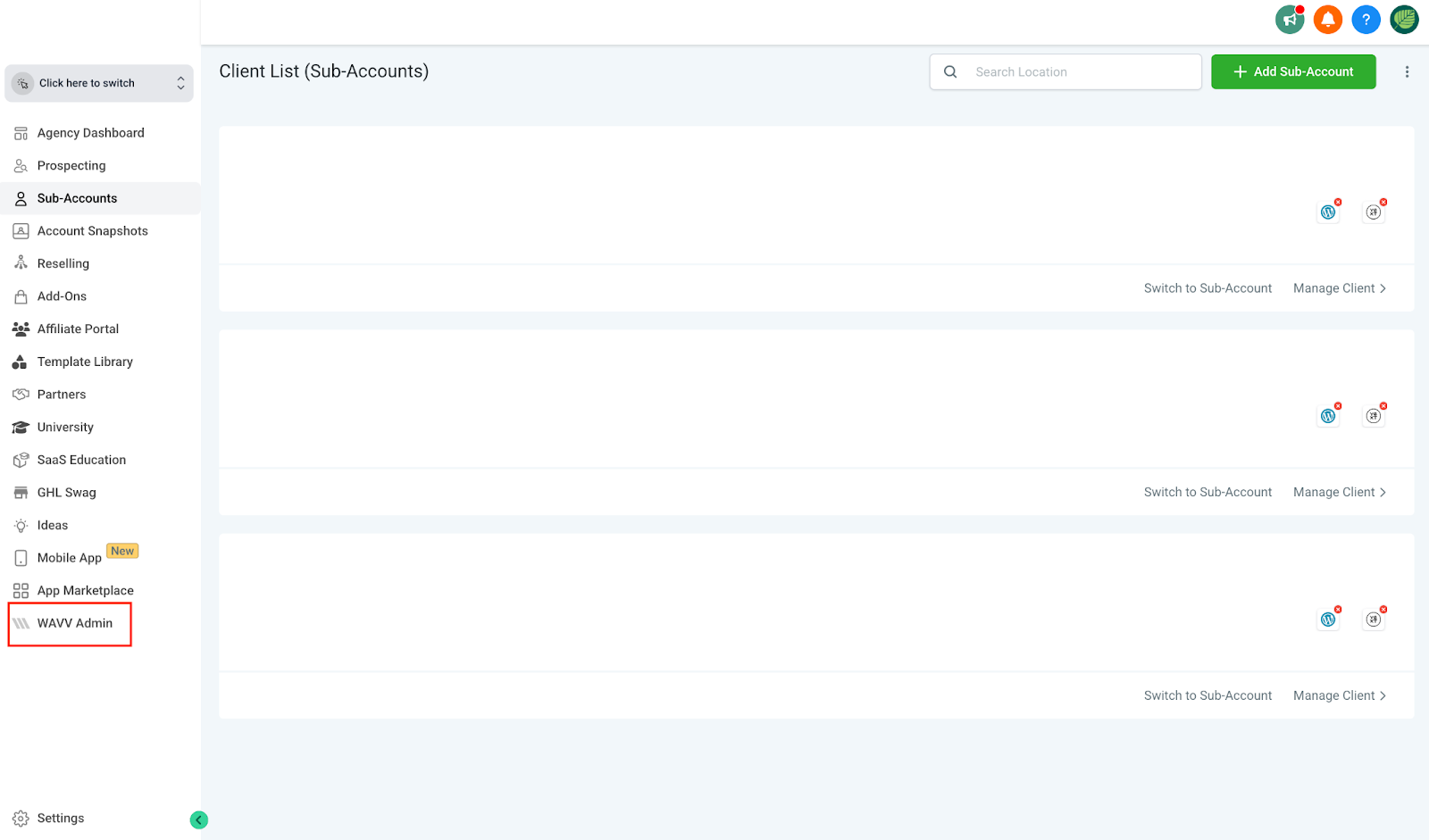
The WAVV Admin is where default dispositions are set for the CRM. This button is only available in the CRM’s admin-level menu, so you will need CRM admin access.
Navigating to the WAVV Admin
First, go to your CRM’s “Agency Dashboard.” Find the “WAVV Admin” button in the left hand menu and click.
Call Dispositions
The dispositions set from the WAVV Admin will be the default dispositions that your customers will see after a WAVV call.
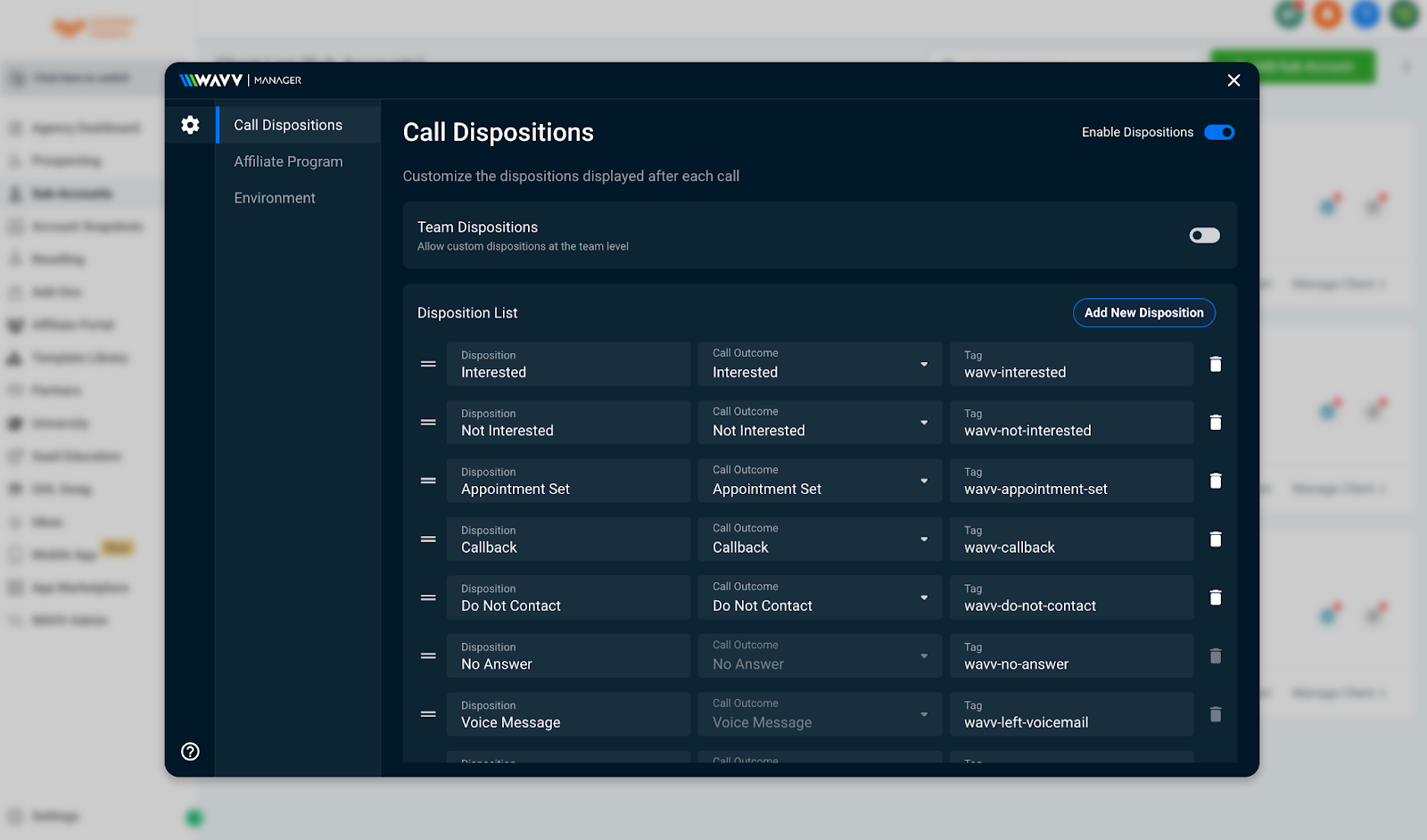
If you do not want to use WAVV call dispositions in your CRM, then you can disable them by switching the “Enable Dispositions” toggle.
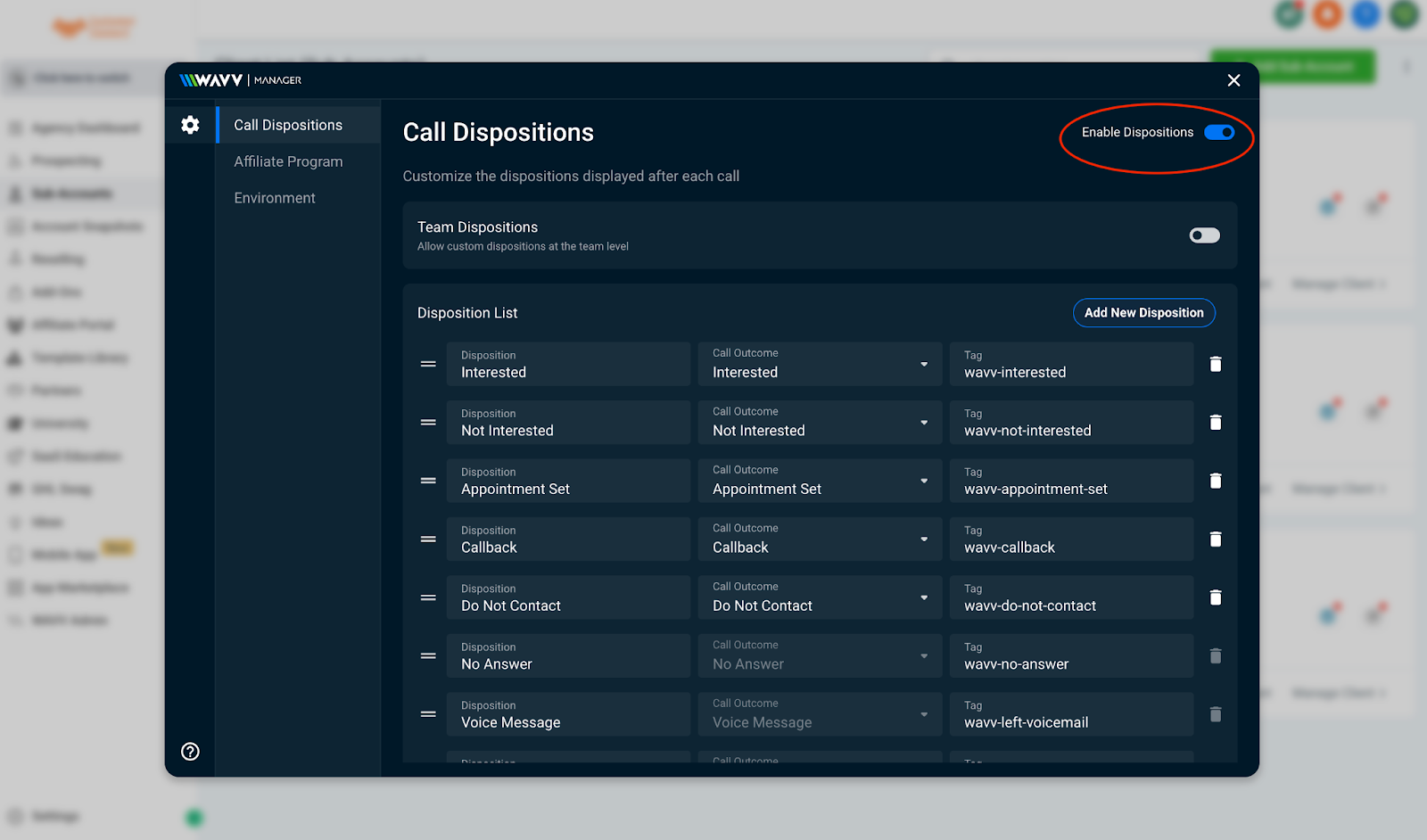
If you want to give your customers the ability to set their own dispositions (which would override the default dispositions set in the WAVV Admin), then you will toggle the “Team Dispositions” switch.
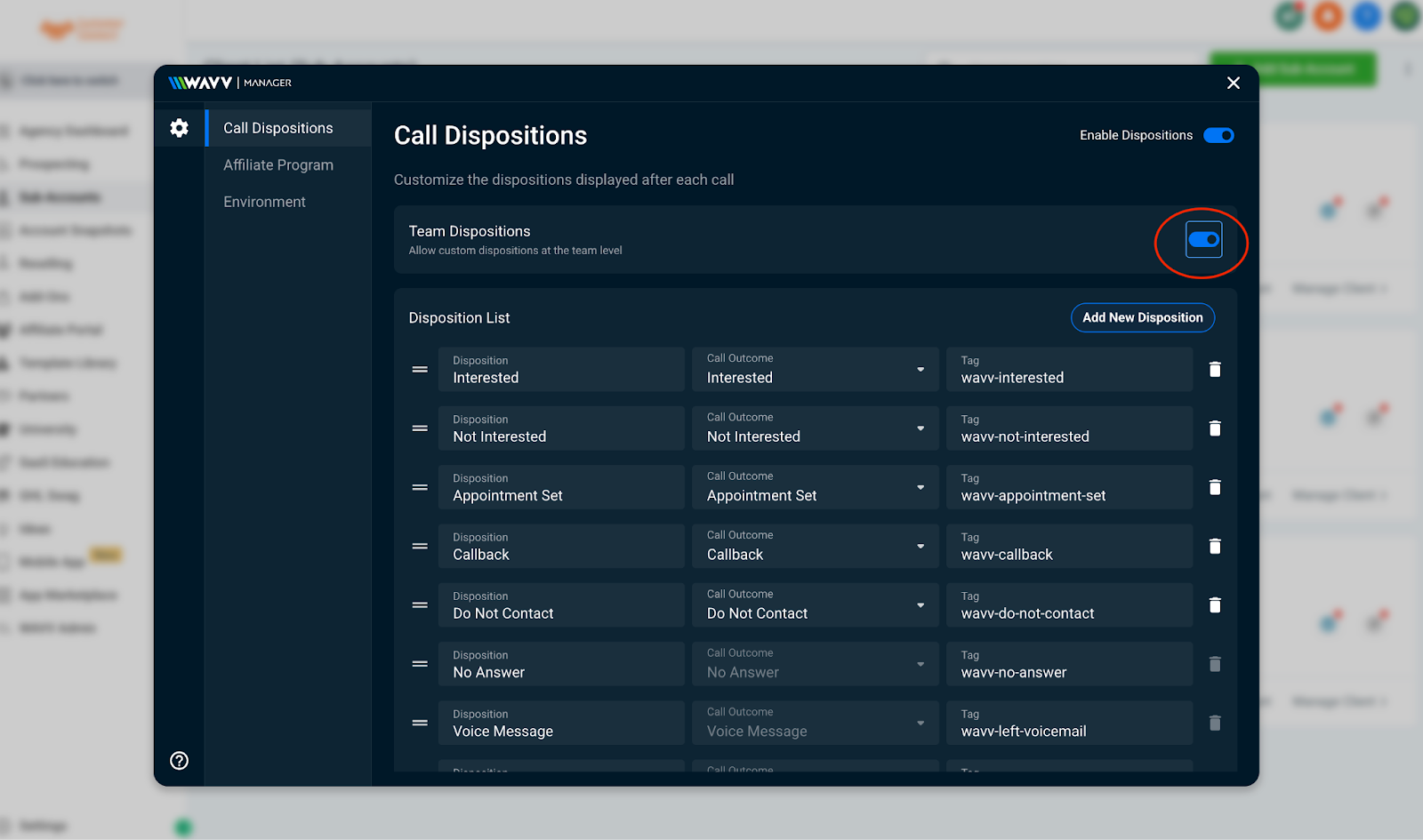
To better understand WAVV Call Dispositions, click here
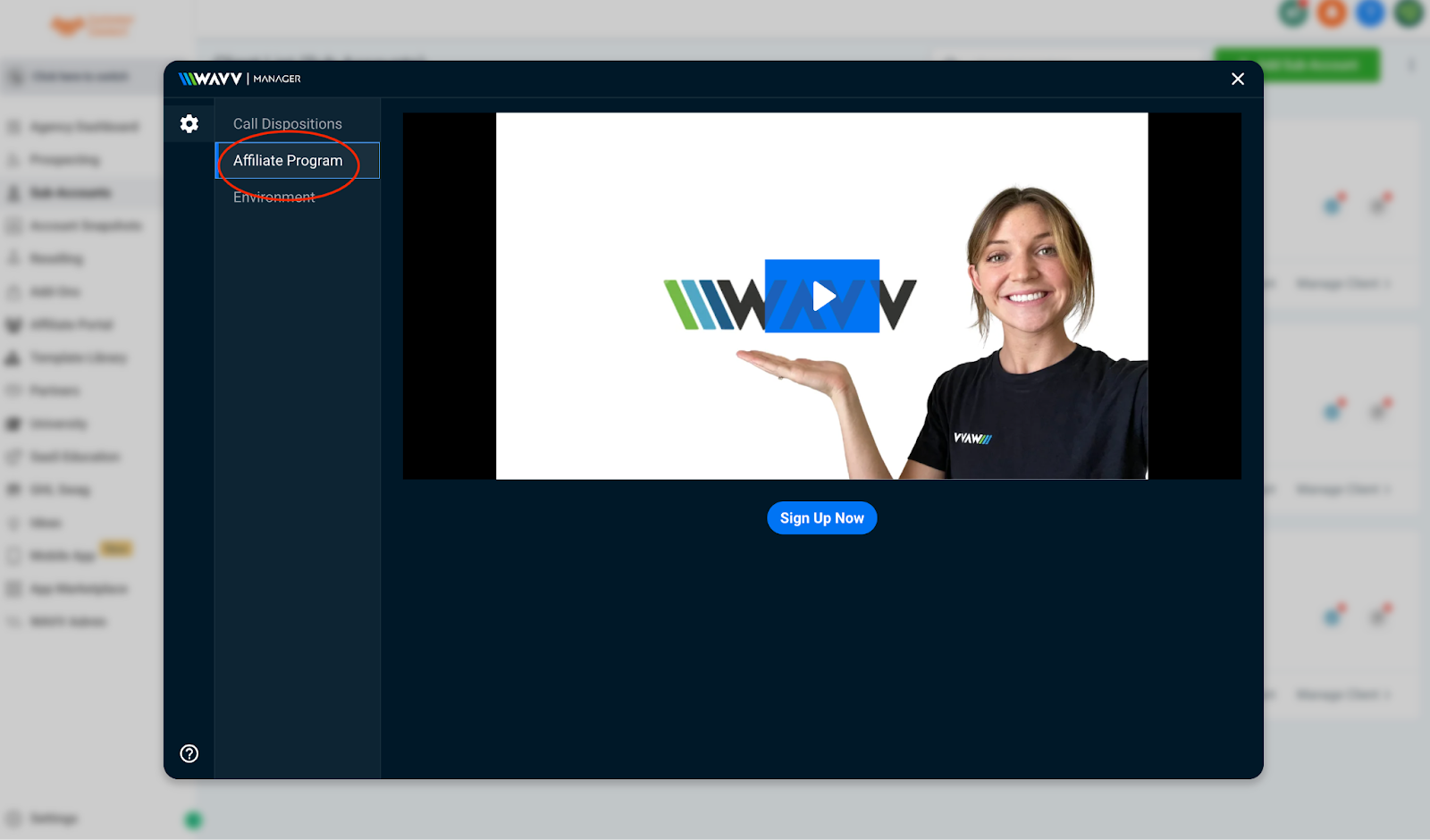
Affiliate Program
WAVV has an affiliate program that we would love for you to join! Earn up to 20% recurring commission on each WAVV account that signs up thanks to you.
Follow the steps in the WAVV Admin to get signed up or learn more about the affiliate program here.
Now you've walked through the WAVV Admin!
Learn more…
Learn more about the WAVV Affiliate program