
WAVV keeps a complete log of your calls—so you can review activity, listen to recordings, and stay on top of your conversations.
The Call History tab shows a searchable list of all your calls from the past 90 days.
What You’ll See in Call History
For each call, you’ll see:
Contact name and phone number
Call time and duration
Call result (answered, missed, voicemail, etc.)
Disposition/call outcome (if applied)
Recording and transcription (if enabled)
Call Recordings & Transcriptions
If your account is set to record calls, you’ll be able to:
Listen to recordings right inside WAVV
Read transcriptions of the conversation (if enabled)
Download recordings to your device
Recordings are stored in Call History for 90 days, and then deleted automatically.
Team Visibility
If you’re on a team account, managers can view call activity across the whole team.
You can:
Filter by user to view individual call logs
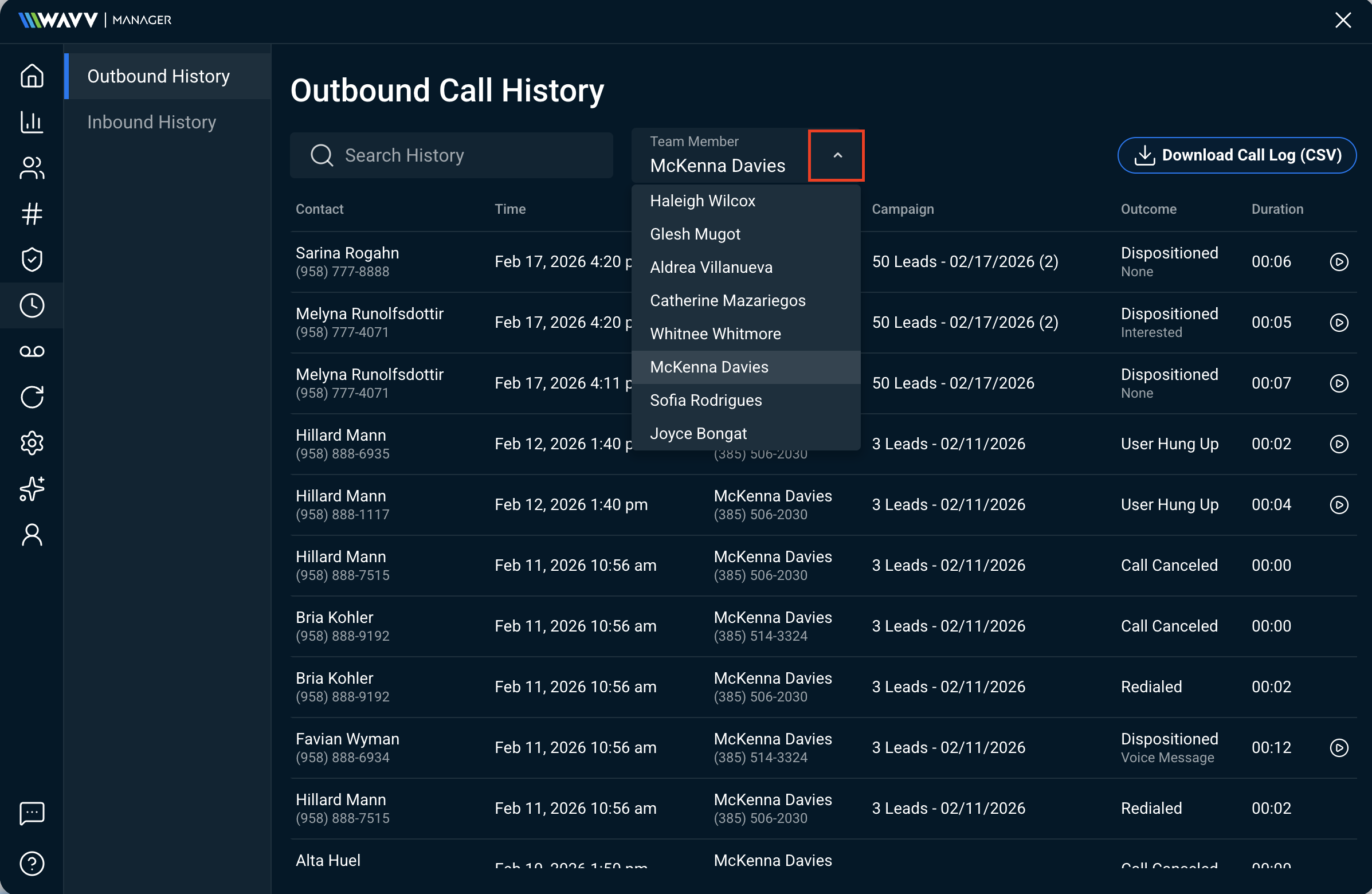
Track team performance and follow up on important conversations
Export Call Logs
Need a record of your calls?
You can download your call logs directly from the Call History tab.
Great for reports, audits, or reviewing past conversations.
How to Get There
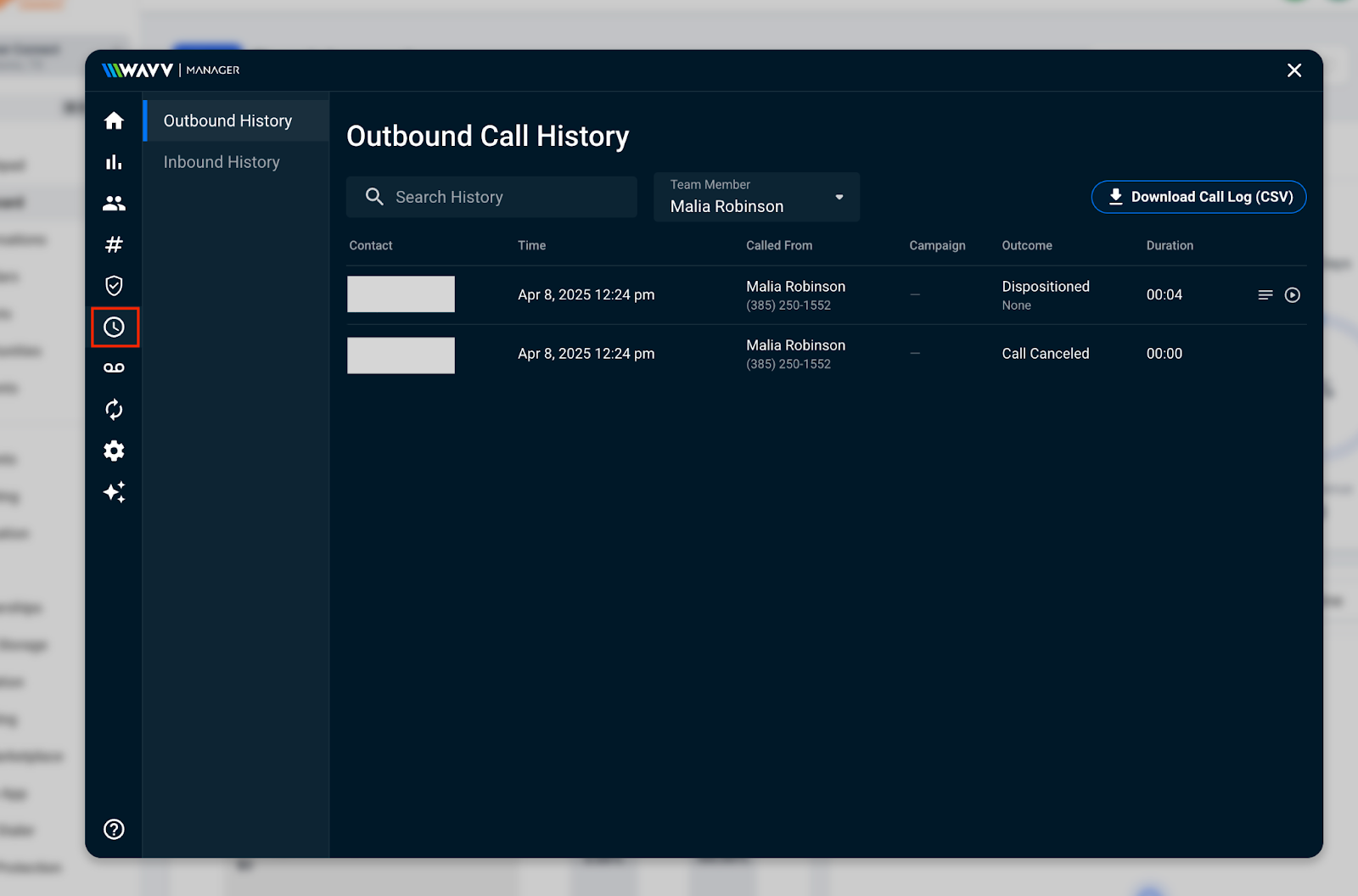
Open WAVV Manager
Click the Call History icon (clock) in the left-hand menu
Use filters or the search bar to find the calls you need
Next Step: