
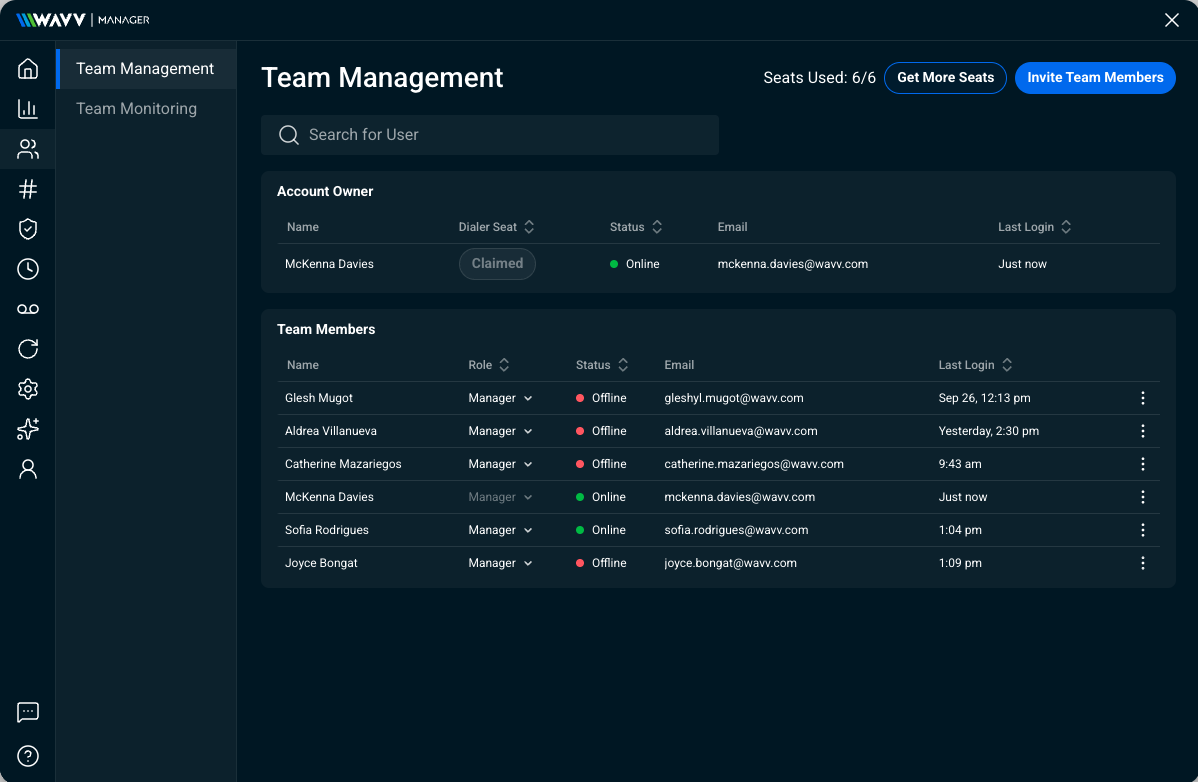
As a team manager or a billing owner, you can add team members to your team by going to the "Team Management" screen. Here you will see the total number of utilized seats. If you have open seats, then the “Invite Team Members” button will be active and blue.
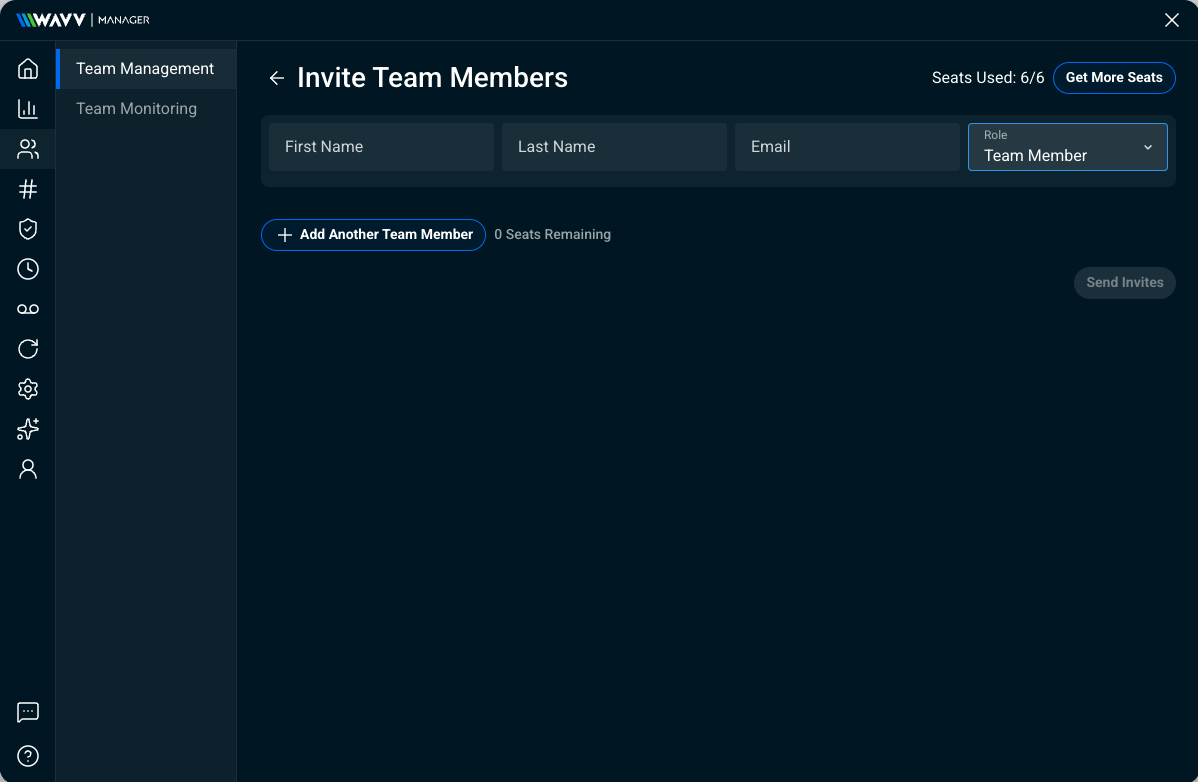
Enter the team members' name and email, then select the role you'd like them to have. For more information about team roles, check out this article!
Once you've added them, an activation code will be sent to their email. You'll also see their status change to "Invite Sent" in the Team Management tab.
2. Join a Team with your Activation CodeAfter the Team Owner has invited your to their team, existing users with WAVV can join a team by going to WAVV Manager > Account > Join a Team. Then, enter the unique code in the team invitation email you received.
Users who successfully join a team will have their phone numbers and settings all migrated over to the new team member account.
Note: If I have a SPAM Protection service or additional numbers from my individual account, it will be migrated over and the billing owner will be notified so they can choose to take on this additional cost that they didn’t sign up for themselves. If they take no action, then the numbers will stay with the team account at $1/number/month.