
WAVV Messenger lets you send and receive SMS using WAVV-managed phone numbers directly inside WAVV. Before you can send your first text, your business needs to complete A2P 10DLC registration — this is a US carrier requirement for any business texting, not a WAVV-specific hurdle.
Messenger includes:
-
Guided A2P 10DLC registration
-
Real-time inbound and outbound SMS
-
Sticky Numbers, for conversation continuity with a lead
-
Team messaging attribution
-
Templates and scheduled messages
-
Built-in compliance safeguards (carrier limits, DNC, wallet checks)
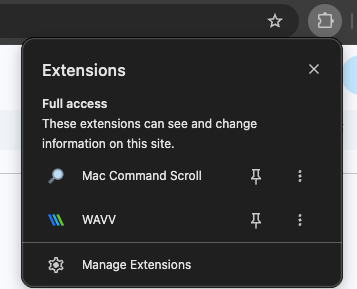
The WAVV Chrome Extension must be installed and enabled. In HubSpot, WAVV Messenger is accessed through the Chrome Extension side panel.
 GoHighLevel (GHL) users
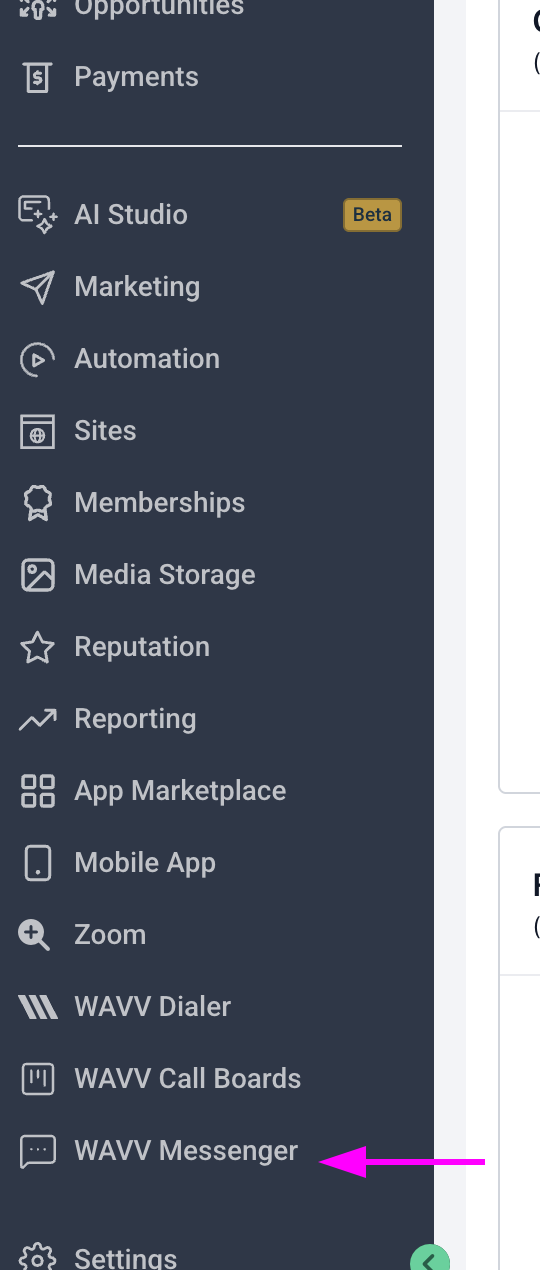
The Chrome Extension is not required for GoHighLevel. WAVV Messenger is built directly into GHL as a docked feature.
 A2P Registration
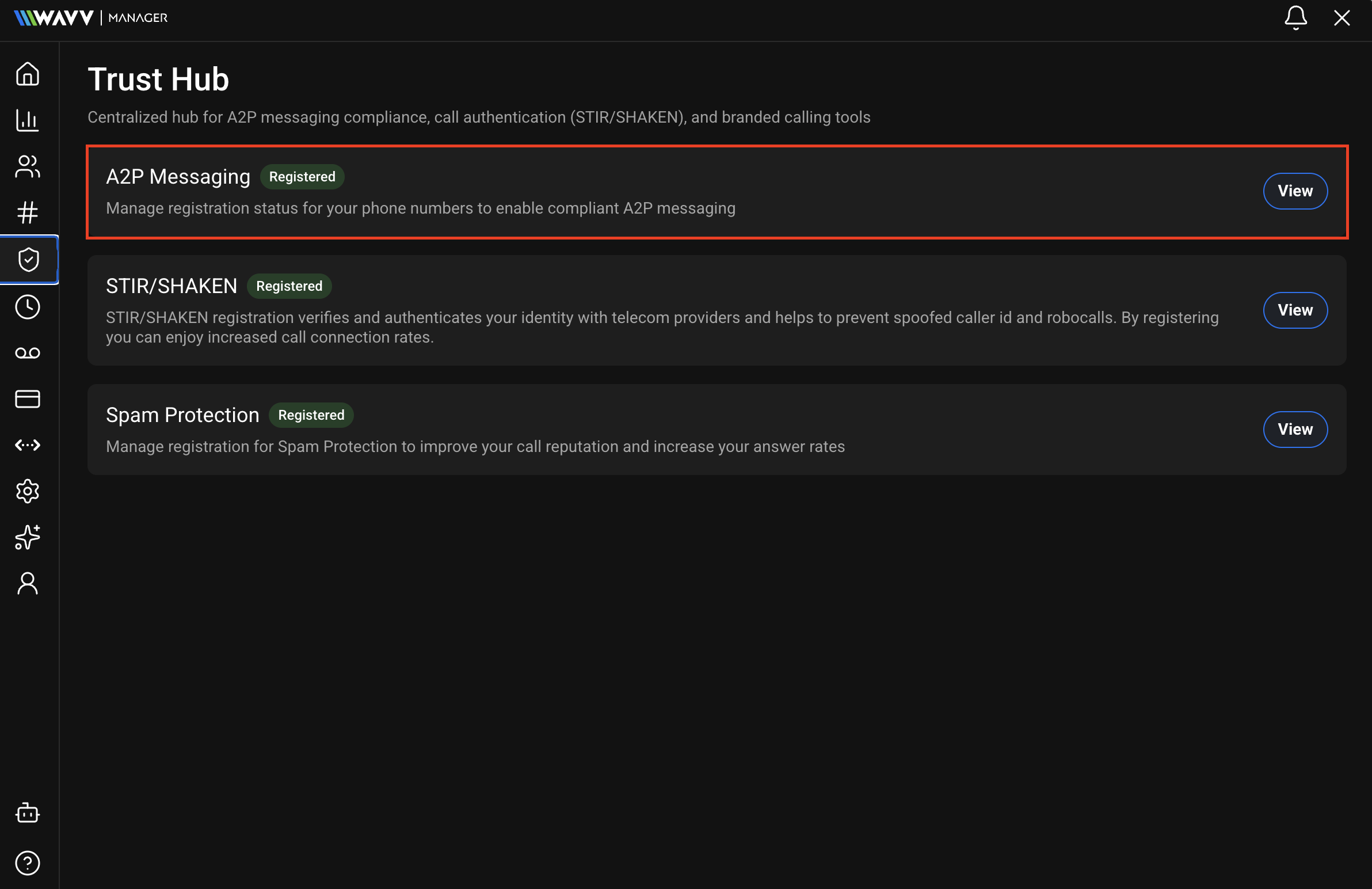
A2P registration must be complete before you can send SMS.
 Getting Started
-
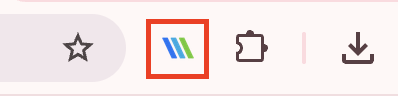
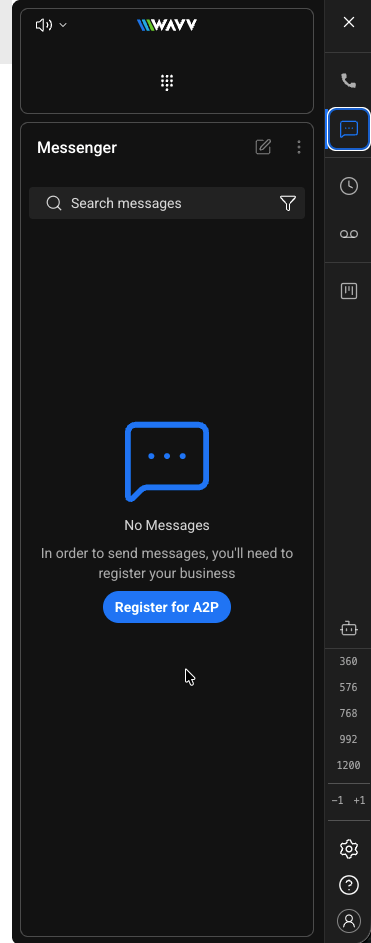
Click the Chrome Extension icon to open the side panel.
-
Sign in with your WAVV credentials and select Messenger.
-
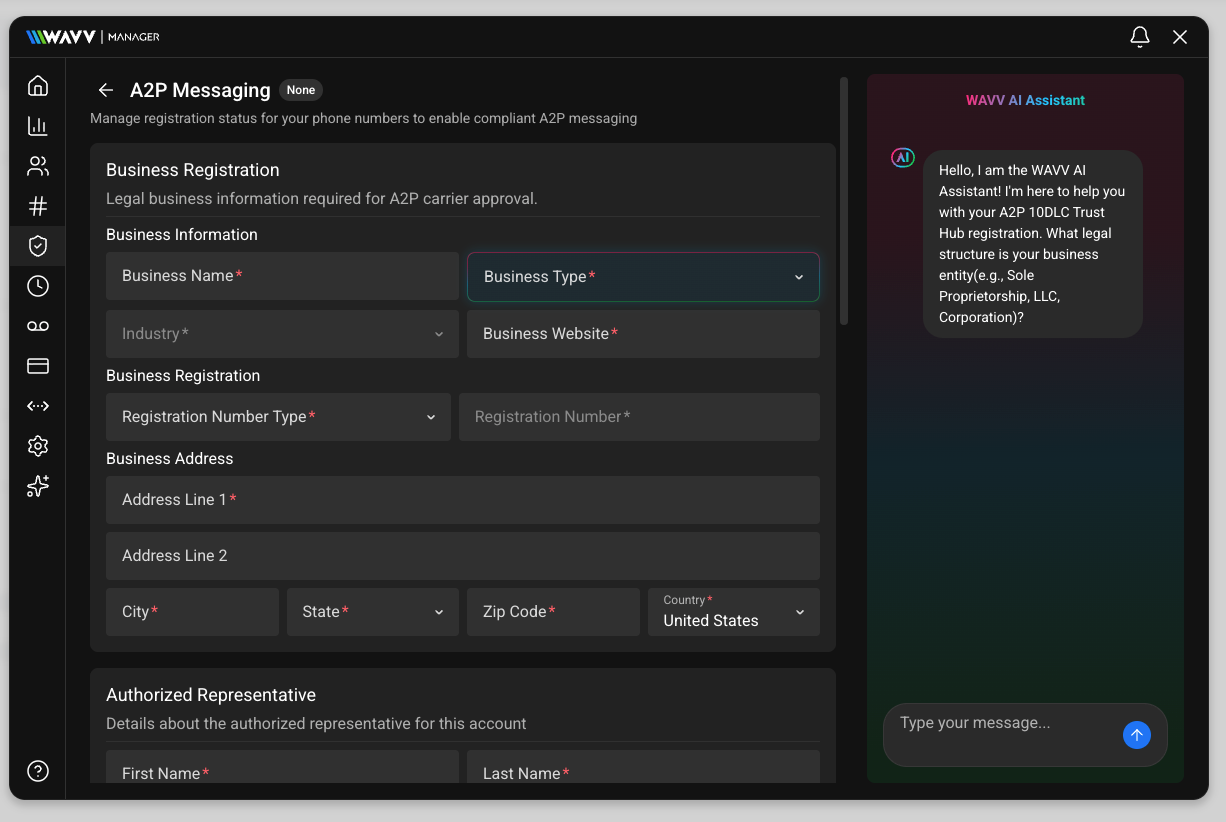
If you haven't registered yet, you'll be walked through A2P registration. The WAVV AI Assistant is available throughout the form to answer basic A2P questions and help fill in fields.
-
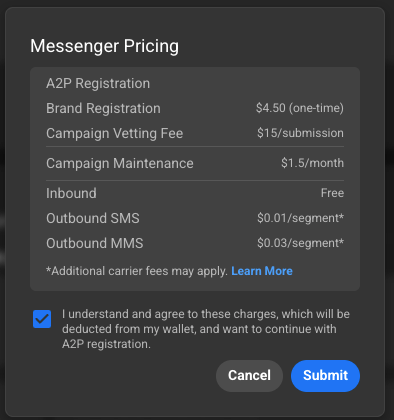
Once you submit, you'll be asked to confirm pricing. Brand registration and Campaign registration are billed and reviewed separately — that's why there are two fees. In practice, most retries only involve the Campaign side, so a rejection usually doesn't mean starting over completely. A2P registration costs $19.50: a $4.50 one-time brand registration fee and a $15 campaign vetting fee. If you need to resubmit, the $15 vetting fee is charged again.
-
Because there's an ongoing campaign maintenance fee plus a small per-message cost, you'll need Wallet auto-recharge turned on before registration can complete.
-
Once submitted, your registration will show a pending status while carriers review it. Often this process can take between 10-15 days

-
You'll get an email from WAVV once registration is approved — or, if it's rejected, an email with the specific reason and how to fix it.
For the full walkthrough of filling out the registration form itself (business info, campaign description, consent language, sample messages), see How to Register Your Brand for A2P 10DLC.
Key Behaviors to Know Sticky Numbers Drive Higher Response RatesWhen a lead has a positive interaction with you (a reply, an answered call, meaningful engagement), the number you used becomes "sticky" for that lead:
-
Future texts and calls to that lead use the same number.
-
This builds trust and improves response rates over time.
-
If the sticky number becomes unavailable, WAVV falls back to your number pool.
-
If there's been no positive interaction yet, WAVV uses local presence or standard rotation logic instead.
You don't have to manage sending limits yourself — WAVV handles it. For the default "Low Volume Mixed" campaign type:
-
T-Mobile: ~2,000 messages/day
-
Other carriers: ~6,000 messages/day
-
1 message per second throughput
WAVV automatically uses local presence numbers, paces sending to stay within throughput limits, and warns you before you hit a daily cap.
Full Conversation History, With AttributionSMS history shows as a single thread, so your whole team can see the full context of a client's conversation. Each message is tagged with the team member who sent it.
Working Inside GoHighLevel-
Messages sent through WAVV Messenger don't appear in the GHL conversation panel.
-
You can't start a new message thread from a GHL contact record — start it from Messenger instead.
-
If you send from GHL vs. WAVV, the sending number may differ.
-
WAVV Messenger keeps working even if your GHL connection drops.
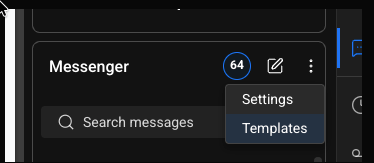
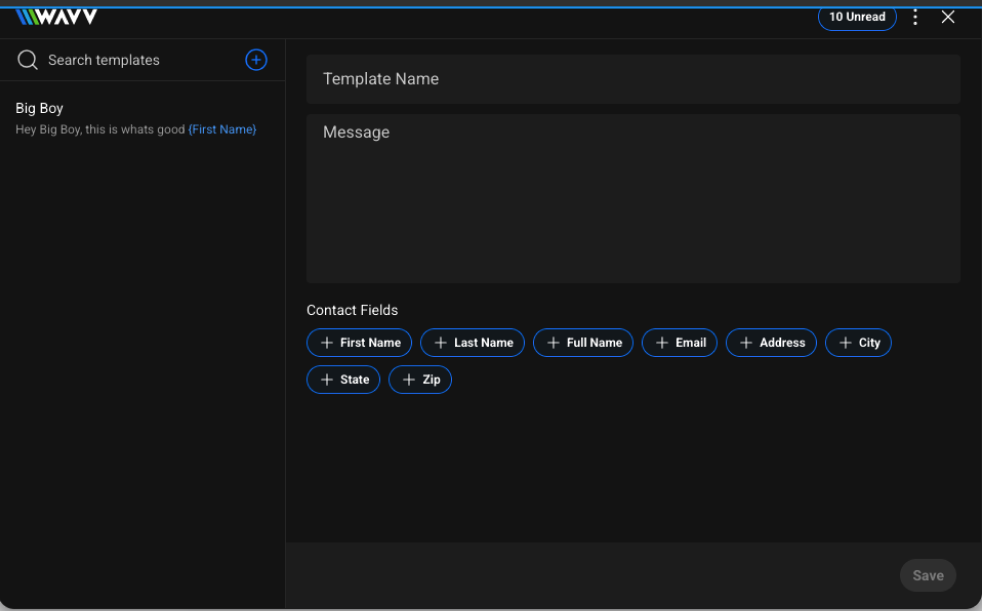
Create templates to keep your team's messaging consistent, and manage them all in one place — the Template Center. You can get there two ways:
-
Click Templates in the kebab (⋮) menu from the Messenger landing page.
-
Click Templates from inside an individual message thread.
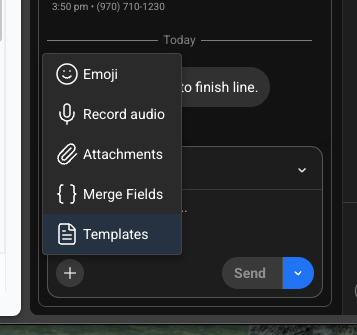
From the Template Center you can create new templates or edit existing ones. To use one while messaging a client, select it from the template picker in that same thread. Call Board automations can also send a template as an action step.
 Current Limitations
-
You can currently only run one messaging campaign per brand — multiple campaigns per business aren't supported yet.
-
No group messaging.
-
Search only surfaces contacts already saved in your CRM. If you've messaged or received a message from someone who isn't in your CRM yet, add them as a contact first to find that conversation in search.
Messages can be blocked for a few reasons:
- A2P isn't approved yet · What to do: Double-check your registration status; if it was rejected, the email from WAVV explains why and what to fix.
- No purchased number · What to do: Purchase a WAVV number to send from.
- Wallet balance is insufficient · What to do: Add funds — A2P registration carries an ongoing maintenance fee plus a small per-message cost.
- Contact is on your Do Not Contact list · What to do: You or your admin will need to remove them from DNC before you can text them.
- Campaign is suspended · What to do: Your campaign may have been flagged inactive — reach out to support for help getting it reactivated.
- Carrier rejection · What to do: Usually means either your message content doesn't match what you registered, or you've hit your daily carrier limit — if it's a limit, try again after a short cooldown.
Quick checklist if you can't send:
-
Is A2P approved?
-
Is your campaign suspended?
-
Do you have a purchased number?
-
Is your Wallet funded?
-
Is the recipient on your DNC list?
-
Have you hit a carrier sending limit?
Still stuck? Reach out to WAVV Support via the chat icon in the bottom-right corner of the Help Center.