If you're on the Single Line or Multi-line Dialer Subscription, you have access to record your calls. The Preview Line plan doesn't include call recording.
How to Record Calls
There are a few options for recording calls:
Never - No calls will be recorded
After Click - Calls start recording after you click the record button
From Start - Calls record from the start, but you must click to SAVE the call recording
Always - All calls will be recorded automatically with no extra clicking on your part
Where are the recording located?
WAVV History
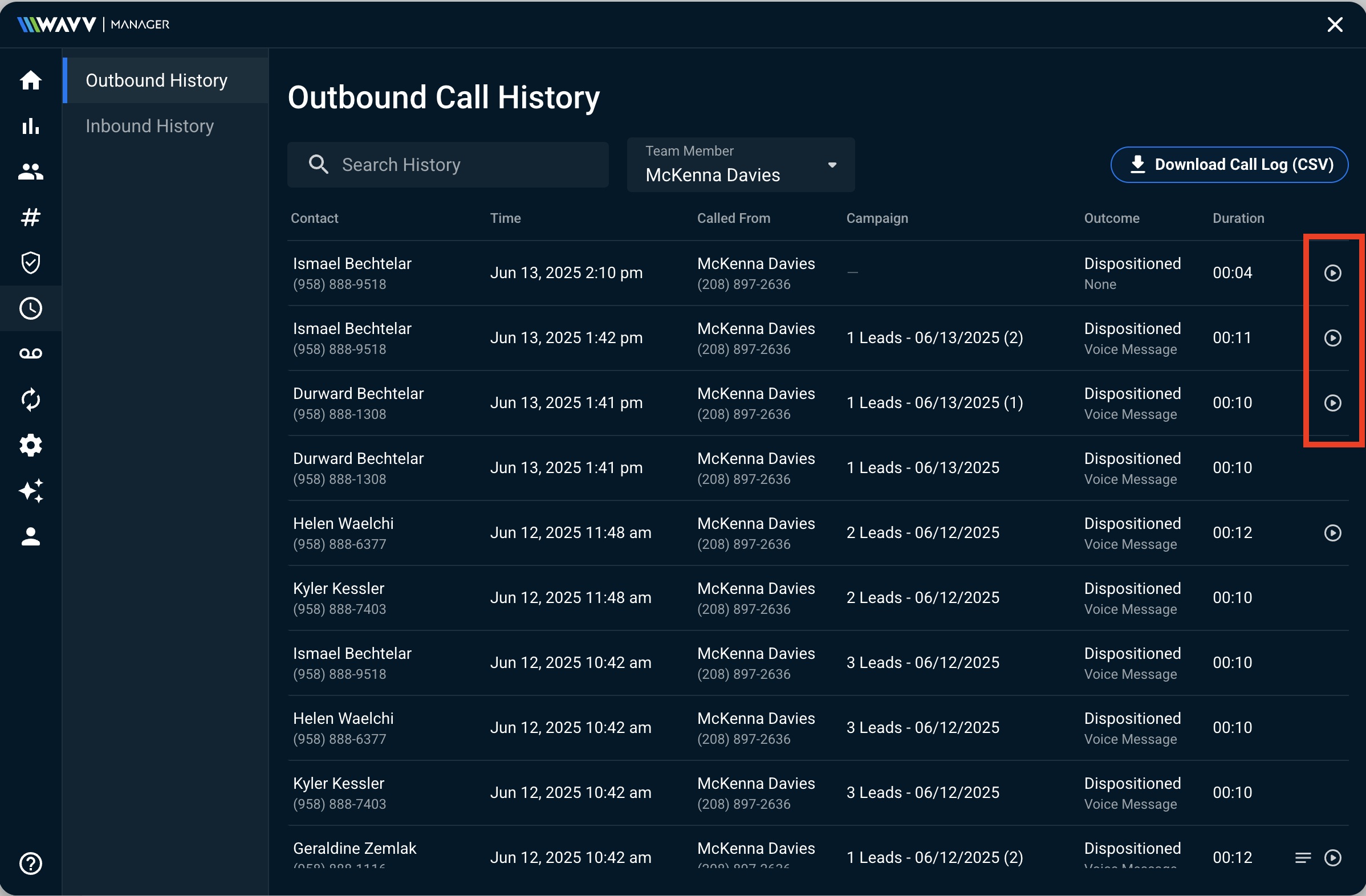
To listen to your call recordings, open your WAVV Dialer Manger and navigate to the History tab. Calls with recordings will have a small "play" button where you can listen.
GoHighLevel Conversation Panel
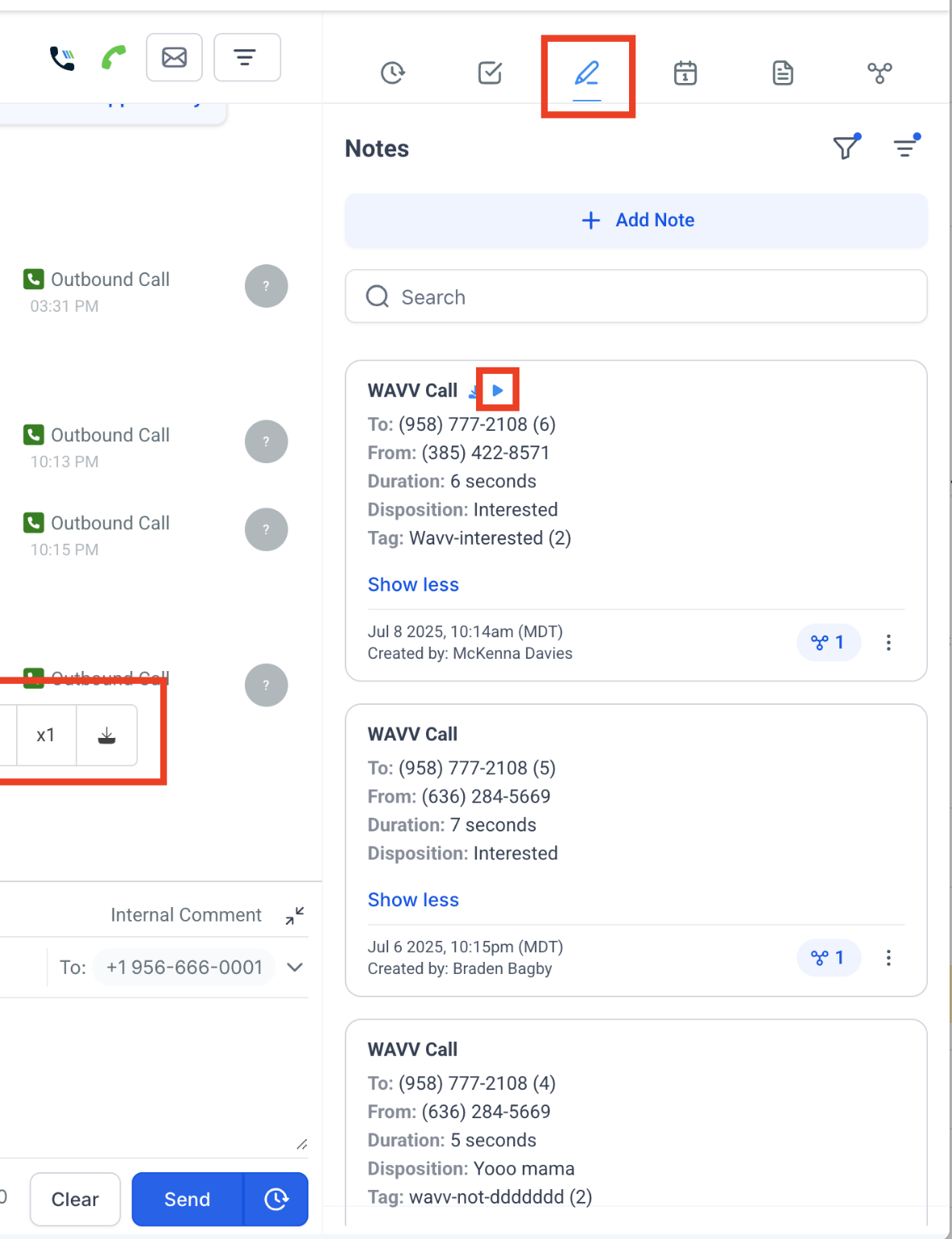
You can also access these recordings in your GoHighLevel Conversation panel:
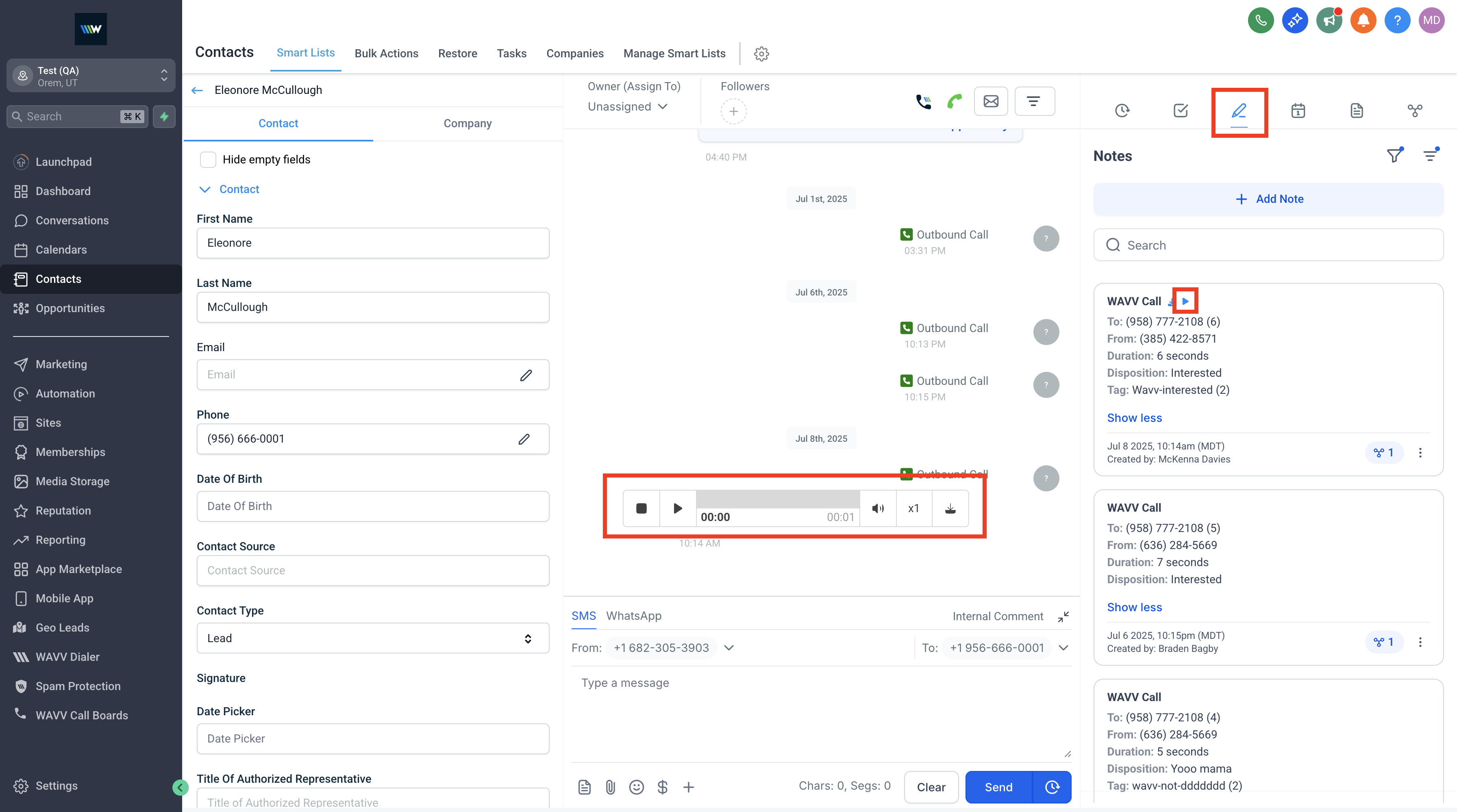
GoHighLevel Notes Panel