
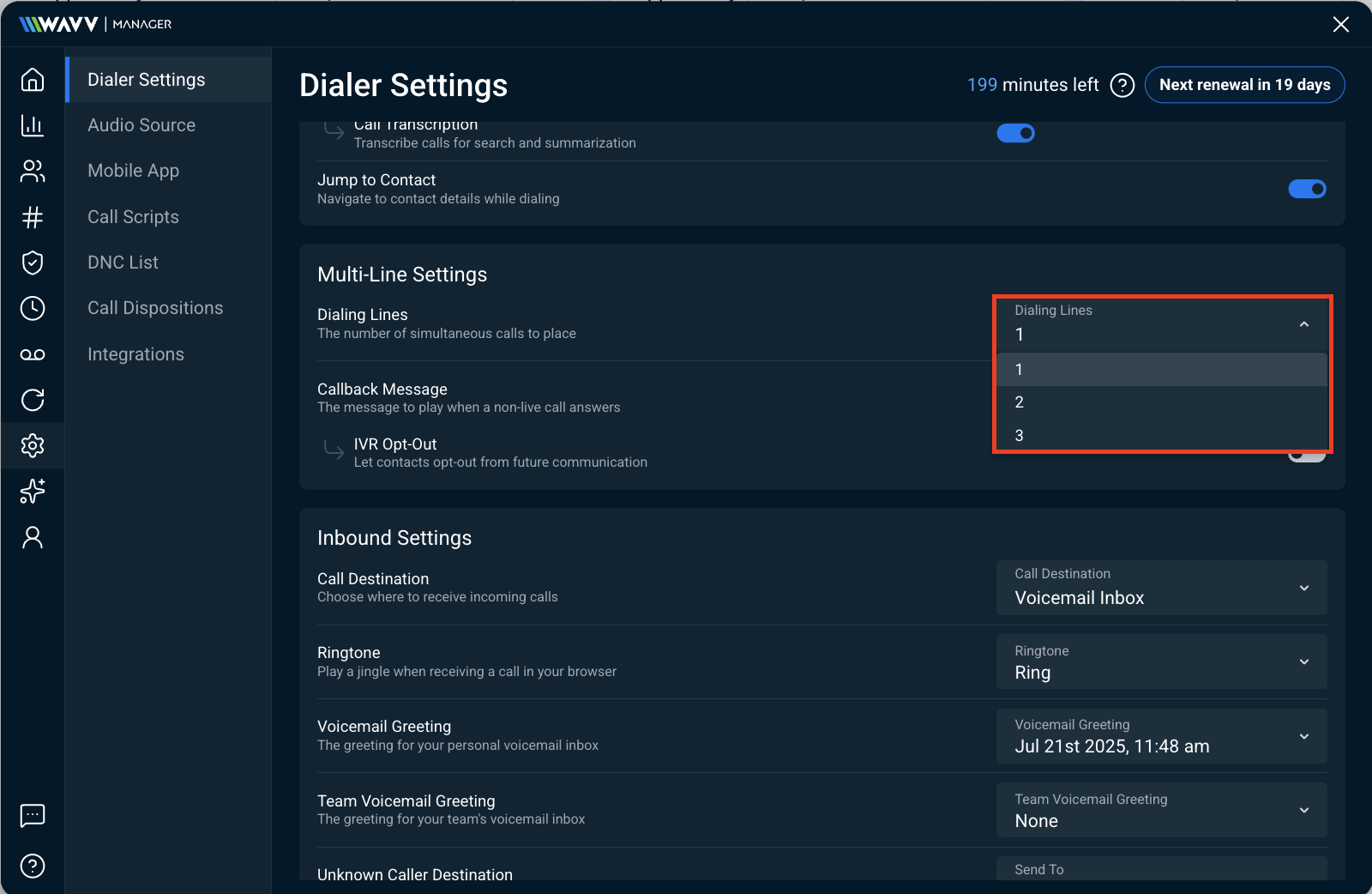
How to Adjust the Number of Dialing Lines in Call Boards on WAVV
WAVV allows users to customize the number of dialing lines used in call boards, including the option to enable multiline (triple-line) dialing. This feature can be adjusted for each stage of a call board to optimize dialing efficiency.
When you subscribe to the Multiline Dialer plan, you have the option to call 1, 2, or 3 leads at a time!
Step-by-Step Instructions
To adjust the number of dialing lines for a specific stage in a call board:
Open the call board in WAVV.
Locate the stage where you want to adjust the dialing lines.
Click the three dots (menu icon) to the right of the stage.
Select Stage Settings from the dropdown menu.
Expand the Dialer section within the settings.
Under Dialing Lines, choose the desired number of lines for that stage. These steps allow you to enable and configure multiline dialing, ensuring that your call board stages are set up to meet your operational needs.
When Multiline Dialing (or calling more than one person at a time), there's always a chance that 2 people will answer at the same time. That's where your Callback message comes into effect. To learn about the Callback Message, check out this article:
Applicability
This process applies to all users of WAVV who utilize call boards and wish to customize their dialing line settings. It is particularly useful for optimizing performance when using multiline dialers.
Callback Message