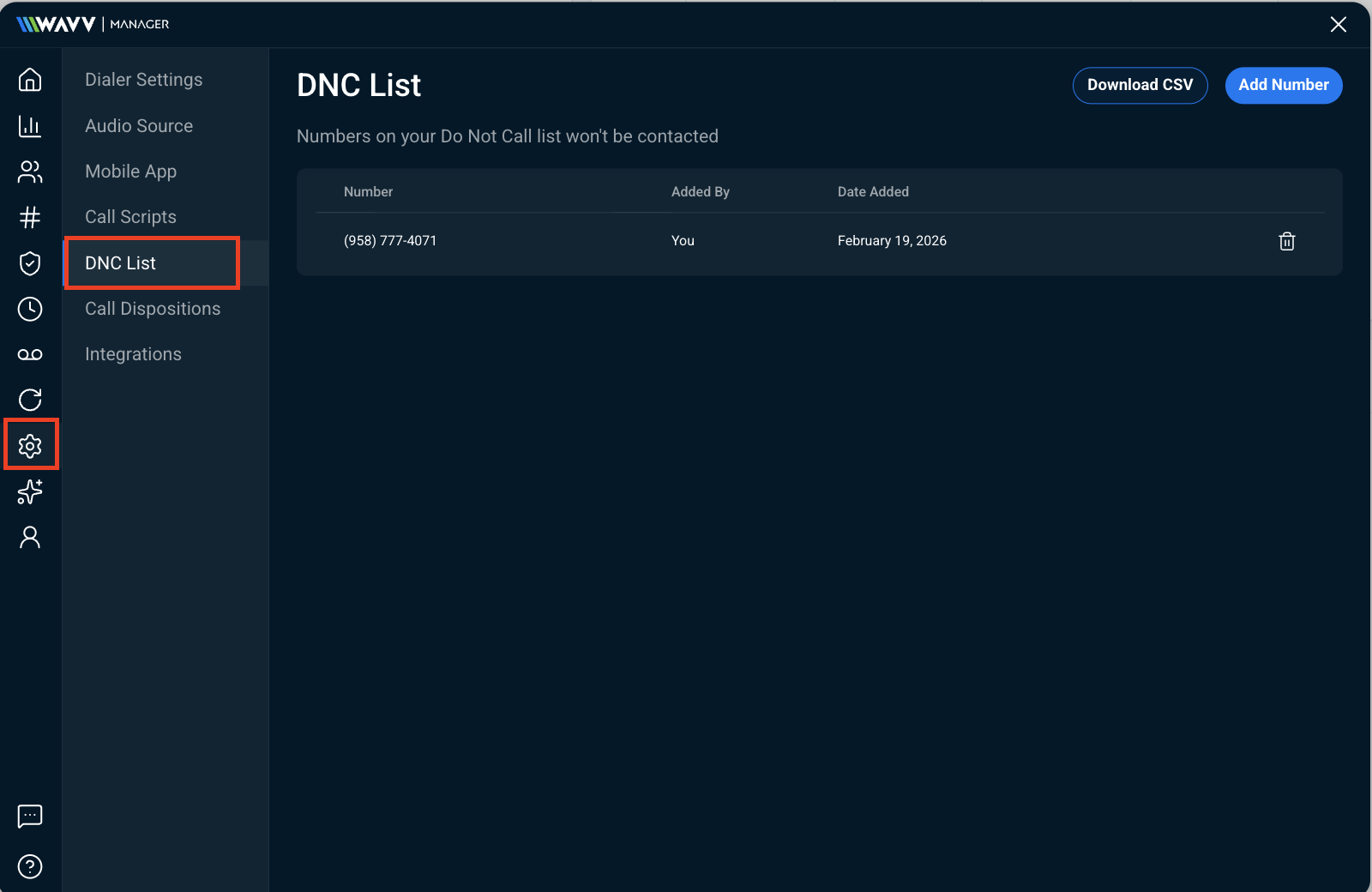
If you decide a lead needs to be added to the Do Not Call (DNC) list, you can add them by going to Settings > DNC List
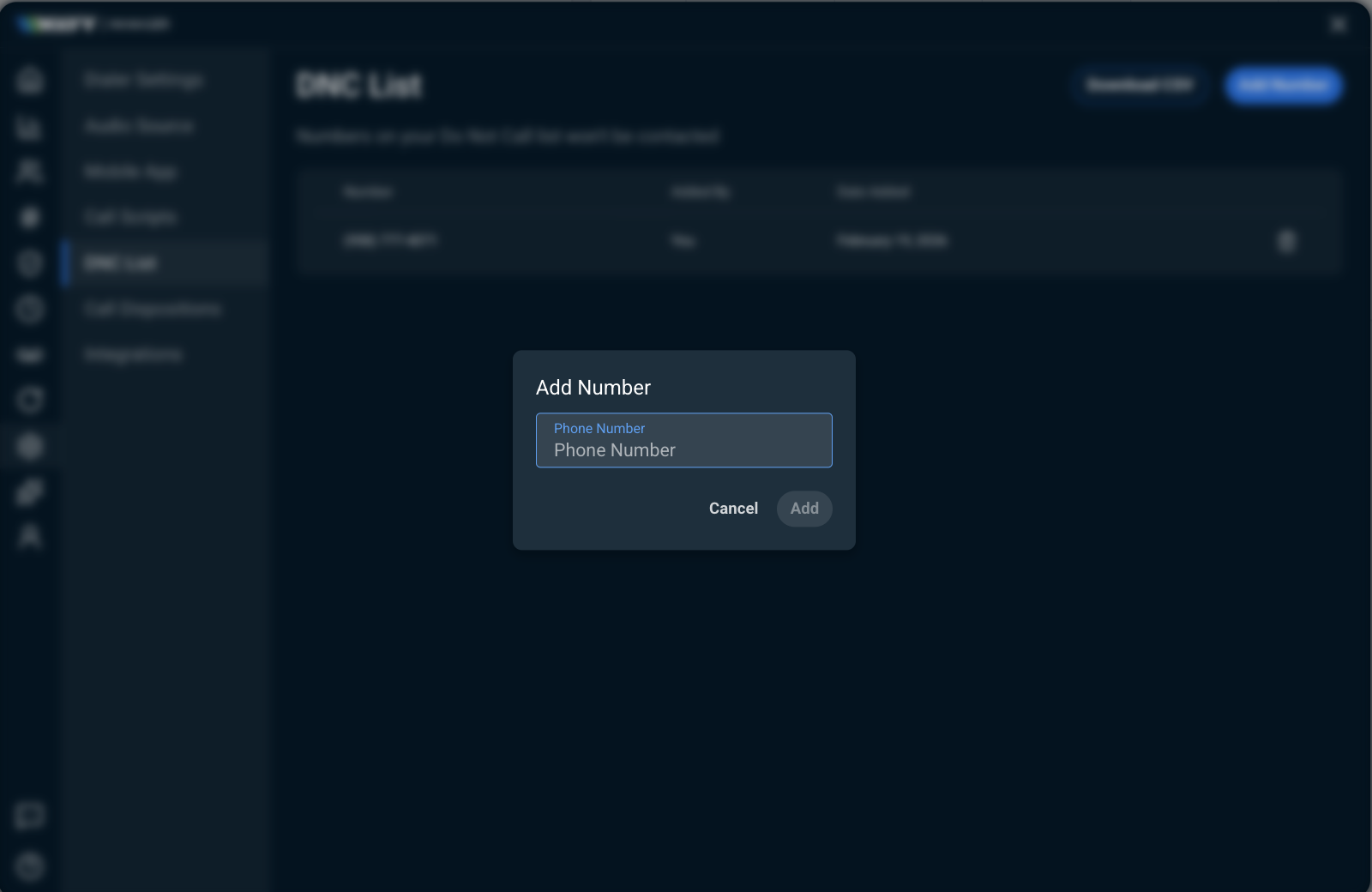
From there, click the blue "Add Number" button to enter the lead's phone number:
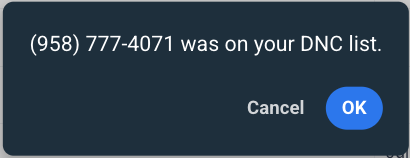
Contacts on this list will not be called if they are accidentally added to a call campaign. If you try to call a lead on this list, they will be skipped, or you'll see this message: