
What this is
The Public API allows your own systems, such as your CRM, internal tools, or data warehouse, to connect with WAVV and access your call data.
Your system can receive updates when something happens on a WAVV call and request call history whenever you need it.
Currently, the Public API supports call data only. It does not currently provide access to contacts, DNC lists, call lists, or account settings.
Who it's for
The Public API is designed for team admins and managers who need to connect WAVV with their CRM, internal tools, or other systems. You’ll need someone with the technical knowledge to set up a webhook receiver and work with a REST API.
This is not a no-code or self-service feature, so some technical knowledge is required to get it set up and use it.
What you get
The Public API provides four webhook events, allowing your system to receive updates as calls happen:
call.started— A call beginscall.ended— A call endscall.recorded— A recording is readycall.incoming— An inbound call is received
Read-only REST access to list and fetch call records on demand, for whenever you'd rather pull data than wait for a push.
Call attribution — every call record, whether delivered via webhook or pulled through the REST API, now identifies who handled the call. Each call object includes the agent's CRM user ID, along with their group and subgroup.
How to set it up
Click the Integrations tab in your WAVV Dialer to access your API Keys and Webhooks.
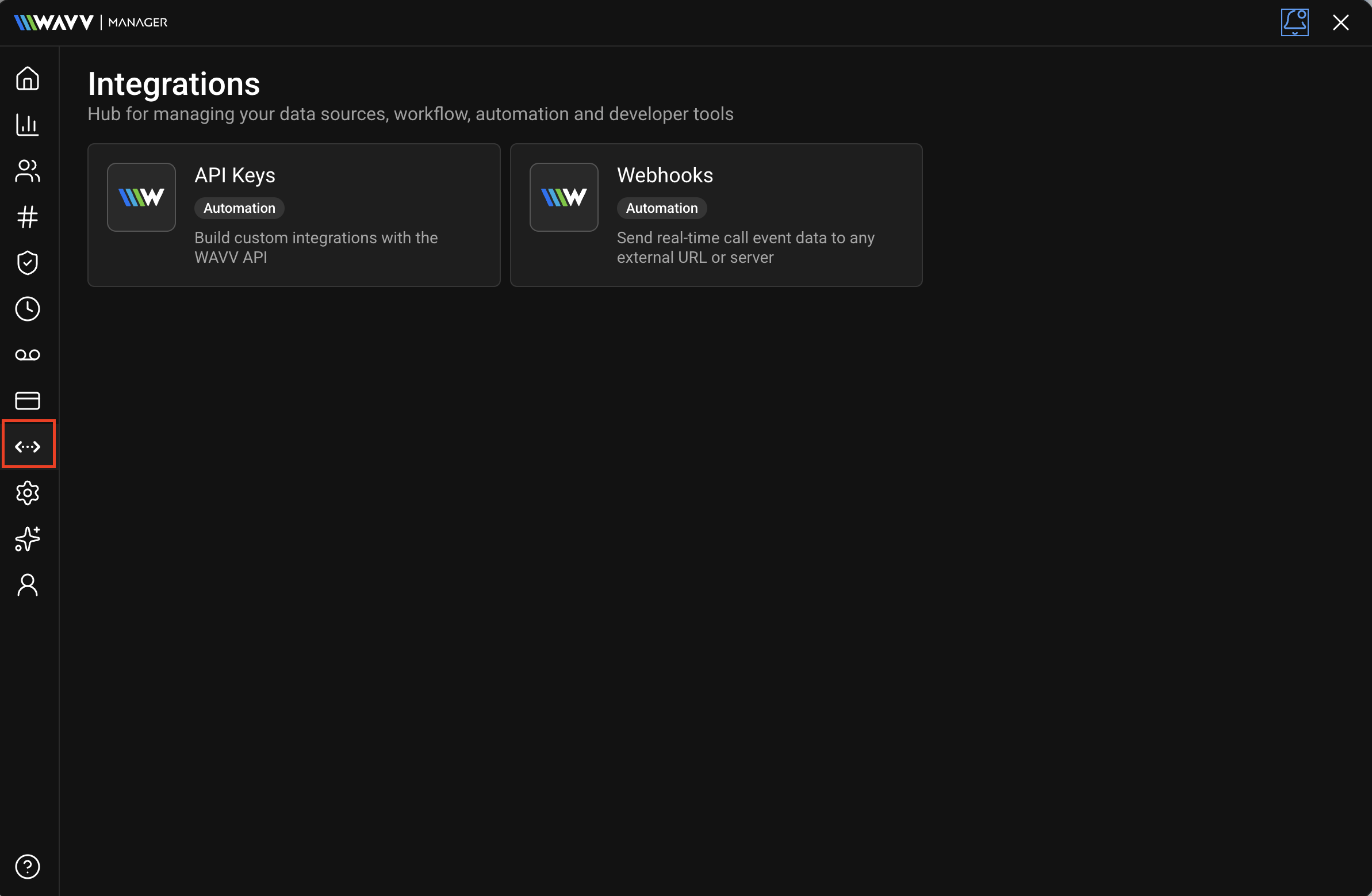
An Admin, Manager, or Owner generates an API key in the API Key Management section.
Add your webhook destination URL and select which of the four events you want to receive.
Use your API key to authenticate the webhook verification and any direct REST API requests.
What to expect (please read before you build)
Your API key is shown in full only once, when it's created. We store the key as a hash rather than plain text, so it cannot be viewed or recovered after creation. Be sure to save it somewhere secure immediately.
API keys and webhooks are limited to a single WAVV team. This release does not support a CRM-wide API key.
Keys and webhooks have full access. You cannot currently create credentials with limited or specific permissions.
Webhook failures only return a general error. There are no delivery logs in this release, so we cannot provide specific details about whether the issue was with your endpoint or on our end.
The
direction=outboundfilter does not capture whisper or transfer calls. These calls are labeled asoutboundon the call object, but they are not included when using thedirection=outboundfilter. If you need to count all outbound calls, leave the filter off and check thedirectionvalue for each result.
Common questions
"My webhook isn't receiving events."
There isn't currently a delivery log available to see what was sent or where it failed. Provide the destination URL and an approximate time when the issue occurred, then escalate to Support for investigation.
"Can I see what was delivered or what failed?"
Not currently. Delivery logs are not available in this release.
"I lost my API key. Can I view it again?"
No. For security, the full API key is only shown when it is created and cannot be viewed again afterward.
"Can I limit what a key can do?"
Not currently. Each API key provides access to everything the Public API allows for that team.
"Does the API support contacts, DNC, or call lists?"
Not currently. This release supports call data only.