
If you start a campaign and WAVV doesn't call anyone, the dialer now tells you why instead of just saying "Your campaign has ended." This article explains each message, what causes it, and how to fix it.
What's new
The dialer explains empty call board campaigns. If a call board campaign ends with no calls, the dialer bar shows the reason.
The call board's Dial button tells you when there's nothing to dial. It's turned off, and hovering over it explains why.
Slow CRM loads aren't treated as failures. When you select contacts in your CRM, WAVV keeps loading and tells you if your CRM is being slow.
You'll know if your CRM disconnects. A message explains what happened and who can fix it.
WAVV asks before replacing a running campaign. Starting a new campaign while one is running no longer does nothing.
Call Boards: When a campaign has nothing to call
When you click Dial on a call board, WAVV only calls contacts that are ready to be called. If none are, the dialer bar shows one of these messages:
- All contacts skipped: snoozed or scheduled for later. · Why it happens: Call board campaigns leave snoozed and scheduled contacts alone on purpose. · What to do: Click Call on a contact's card to call them now, or clear the snooze or scheduled callback on the card and click Dial again.
- No contacts in the stages selected for the dialer to call. · Why it happens: Your contacts are in a stage the dialer isn't set to call. · What to do: Go to Board Settings → Dialer and check the stage your contacts are in.
- All contacts skipped: no valid phone number. · Why it happens: The contact's number isn't a 10- or 11-digit phone number. · What to do: Fix the phone number on the contact in your CRM.
- All contacts skipped: already being called by your team. · Why it happens: A teammate's dialer is already calling these contacts on this board. · What to do: Wait for their call attempt to finish. Contacts free up within an hour at most.
- No contacts match your current board filters. · Why it happens: Your board filters are hiding every contact. · What to do: Clear or change your board filters, then click Dial again.
Here's how each message looks in the dialer bar:
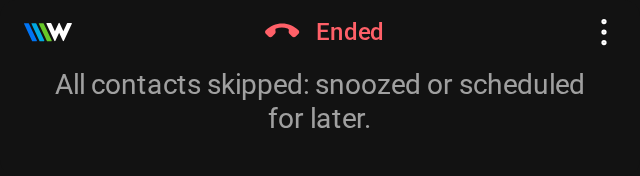
Snoozed or scheduled for later.
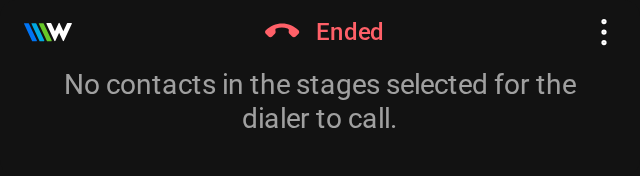
Stage not set to dial.
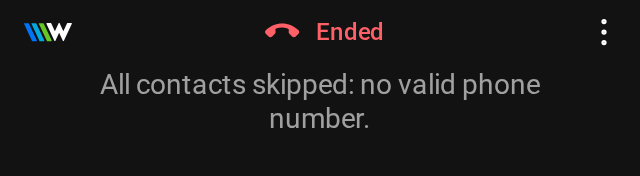
No valid phone number.
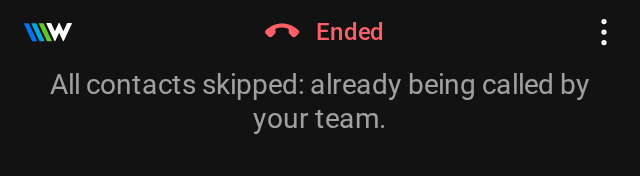
A teammate is already calling them.
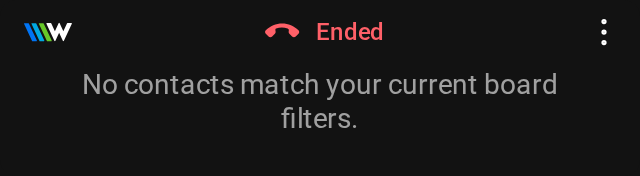
Board filters are hiding them.
Good to know: On a call board, the Call button on a contact's card always calls that contact right away, even if they're snoozed or scheduled.
The call board's Dial button is greyed out? If no contacts are in a stage the dialer is set to call, the Dial button turns off. Hover over it to see why ("No leads in the stages the dialer is set to call"), then update your stages in Board Settings → Dialer.
DNC and Timezone Protection messages haven't changed. You'll still see "All numbers skipped due to DNC" or "…by timezone protection" when those apply.
When you select contacts in your CRM
When you select contacts on your CRM's contacts page and click Call with WAVV, WAVV loads your selection one page at a time. This applies to GoHighLevel.
- Loading 12/40 contacts... Your CRM is taking a long time to respond. · What to do: Let it keep going. WAVV waits for slow CRMs, and you can cancel anytime.
- Your CRM stopped responding while loading your selection. Only 12 of 40 selected contacts loaded. · What to do: Click Try again , or continue with the contacts that loaded.
- Your CRM stopped responding while loading your selection. None of the 40 selected contacts loaded. · What to do: Wait a moment, then try again.
- Only 12 of 40 selected contacts could be loaded from your CRM. · What to do: Try again, or continue with the contacts that loaded. If the message tells you to change your page size, set it to 20 .
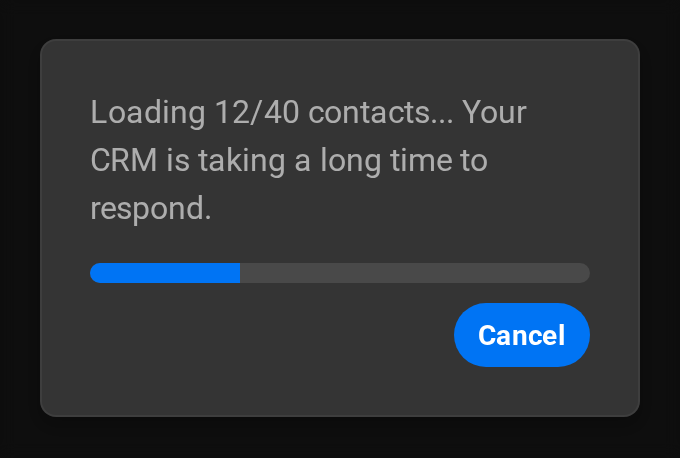
WAVV keeps loading and tells you when your CRM is slow.
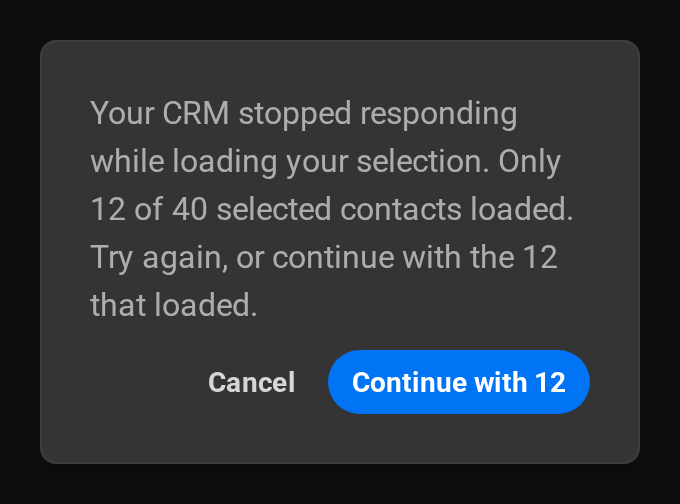
This only appears if your CRM has stopped responding.
When your CRM disconnects from WAVV
If WAVV can't reach your CRM anymore, you'll see a message saying "WAVV can no longer reach your CRM for this account, so contacts can't be loaded." This happens if the WAVV app was uninstalled, the account was disconnected, or access was removed.
Admins, managers and owners see a Reinstall WAVV button. It opens WAVV in your CRM's marketplace so you can reinstall it.
Agents are asked to contact their team admin, because only an admin can reinstall WAVV.
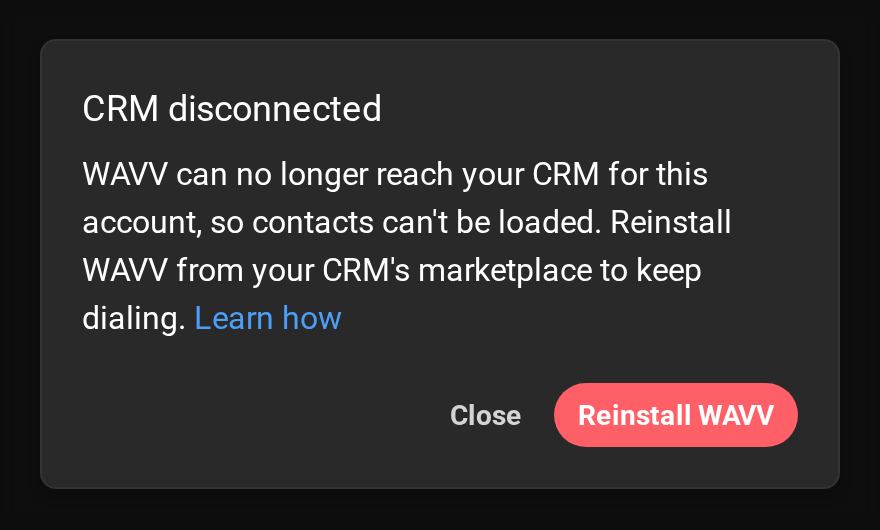
What admins, managers and owners see.
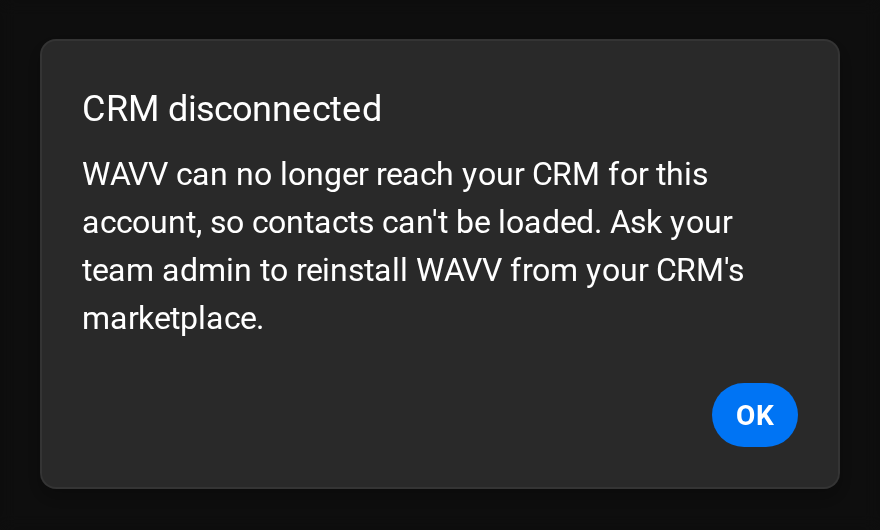
What agents see.
When you start a campaign while one is already running
If you click Dial or Call with WAVV while a campaign is still running, WAVV asks: "A campaign is already running. End it and start the new one?"
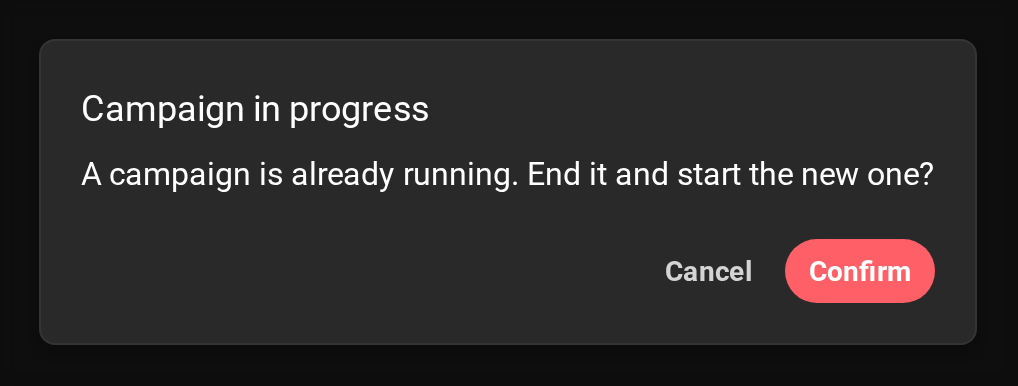
Confirm hangs up your current calls, ends that campaign, and starts the new one. The mini dialer shows "Loading new campaign..." until your new contacts are ready.
Cancel keeps your current campaign going.
Note: When you end a campaign to start a new one, the old campaign's remaining contacts aren't saved. It ends like any other campaign.
What these messages don't do
They don't change who gets called. Snoozed and scheduled contacts are still skipped by call board campaigns.
They don't fix the problem for you. You still need to clear a snooze, fix a phone number, or update your stages yourself.
They don't reconnect your CRM. An admin still needs to reinstall WAVV.
Still stuck?
Reach out through chat at help.wavv.com or contact your WAVV Success manager.
Related: Board Settings & Dialer Configuration · Why is the Dial button disabled? · How to uninstall and reinstall the WAVV app in your CRM
Frequently asked questions
It says my contacts are snoozed or scheduled, but I want to call them now. (Call Boards)
Click Call on the contact’s card to call them right away. Or clear the snooze or scheduled callback on the card, then click Dial again.
Why is my Dial button greyed out? (Call Boards)
None of your contacts are in a stage the dialer is set to call. Go to Board Settings → Dialer and check the stages your contacts are in.
Only some of my selected contacts loaded. What do I do?
Click Try again, or continue with the contacts that loaded. Only change your page size to 20 if the message tells you to.
I clicked Dial and WAVV asked me to end my campaign. Why?
You still had a campaign running. Click Confirm to end it and start the new one, or Cancel to keep going with your current campaign.
It says my CRM disconnected. How do I fix it?
The WAVV app is no longer installed or connected in your CRM. An admin needs to reinstall WAVV from your CRM’s marketplace. If you’re an agent, ask your team admin to do it.