
Overview
The Callback message plays when multiple people answer your calls at the same time while using the multi-line dialer. When this happens, WAVV connects you to the first person who answers and plays your callback message to the other(s).
If you don't have a callback message set, then WAVV will not set the second caller as a priority callback and will move on to your next contacts. If you do have a callback message set, as soon as you're done with your current call, WAVV will call back the second caller.
Adding a New Callback
To add a callback message, go to your WAVV Dialer Manager, open Settings and scroll until you find "Callback Message."
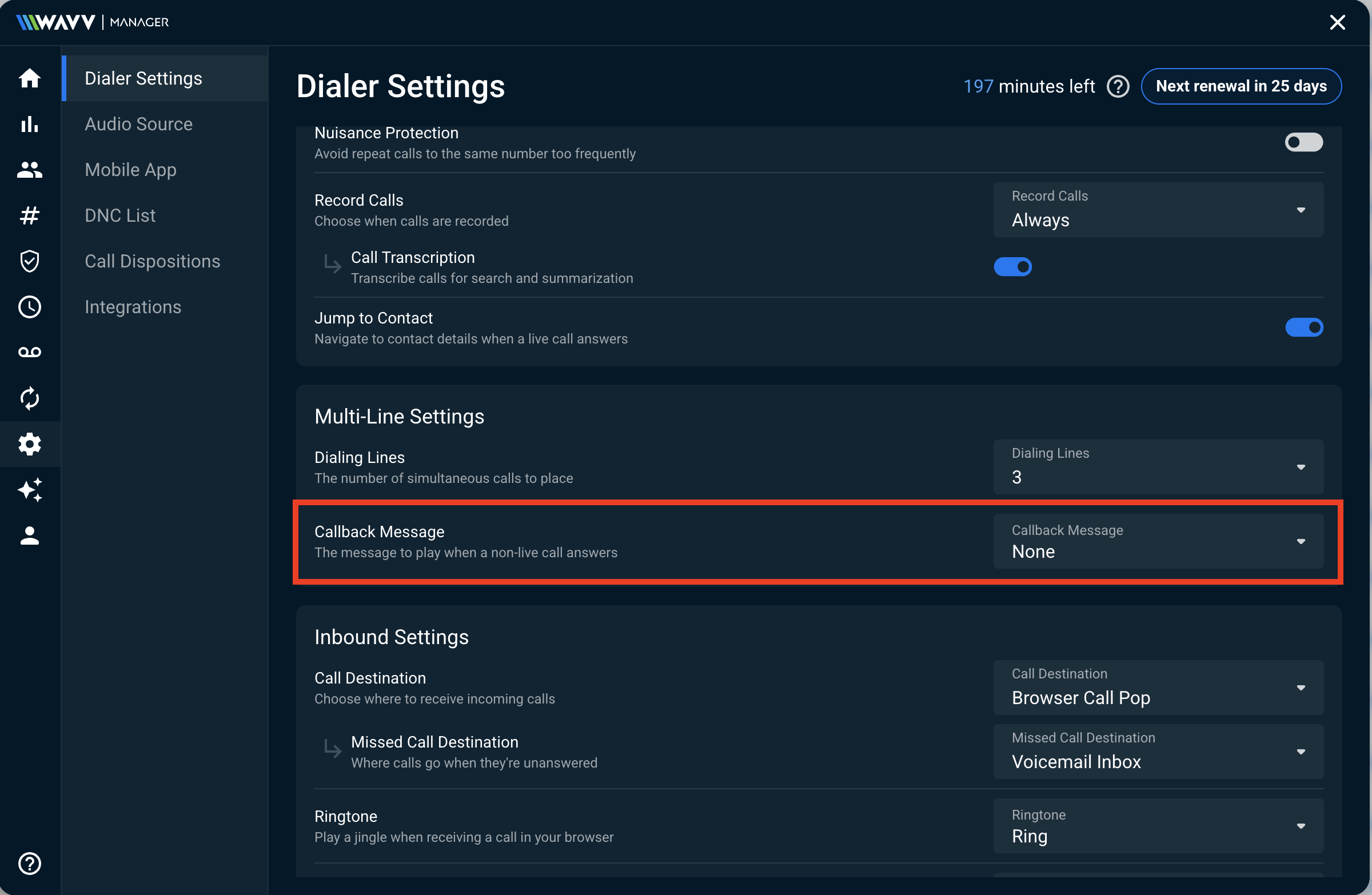
Click the pencil icon to edit your Callback Message.
These callbacks can be created through the following methods:
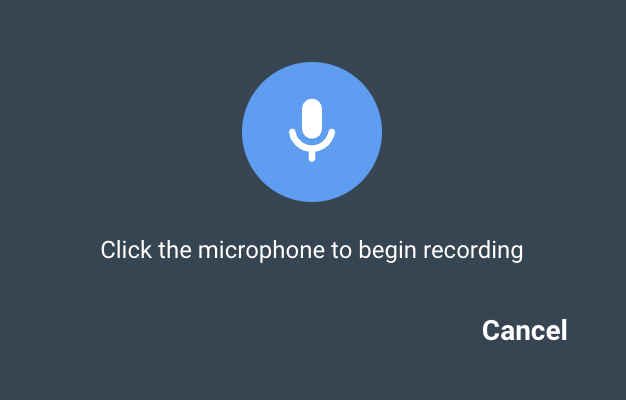
Record Via Computer - If your computer has a microphone or a connected bluetooth headset, you can create a new callback from your computer. Select either the Record Callback button or the Record Via Computer option from the drop down menu. After granting your browser permission, you can click the microphone to begin recording.
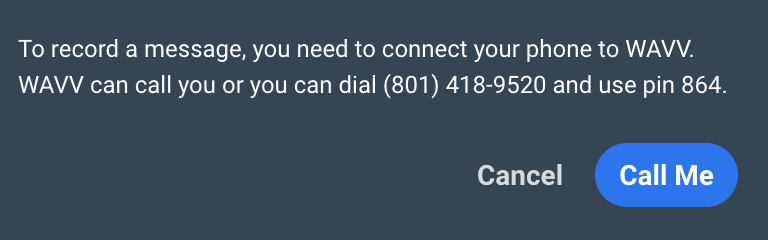
Record Via Phone - Select Record Via Phone from the drop down menu next to the Record Callback button. You will then be prompted to have WAVV call you or call in yourself. For help setting up your phone number, click here.
Upload an Audio File - You can upload a prerecorded audio file (.mp3, .wav, and .m4a) as a callback. Select Upload an Audio File from the drop down menu. You will then be prompted to select a file from your computer.
What should my Callback message say?
What you say in your callback message is completely up to you. Some people record a short message explaining why they're not on the phone with the contact at the moment, but that they'll call them right back.
Some people record a few seconds of silence so that WAVV will still set them as a priority call back, but they don't have to say anything in the message.
How does tagging/dispositions work with callbacks?
When you call a lead and they answer in the background, they will hear your callback message. That first call will not tag the lead, but it will be labeled in your WAVV Call History as "Callback."
WAVV will set this lead as a priority callback. WAVV will call them a second time once you complete your current call. That call will be tagged and if you have dispositions enabled, you can select a specific call disposition.
Here's what your WAVV Call History will look like:
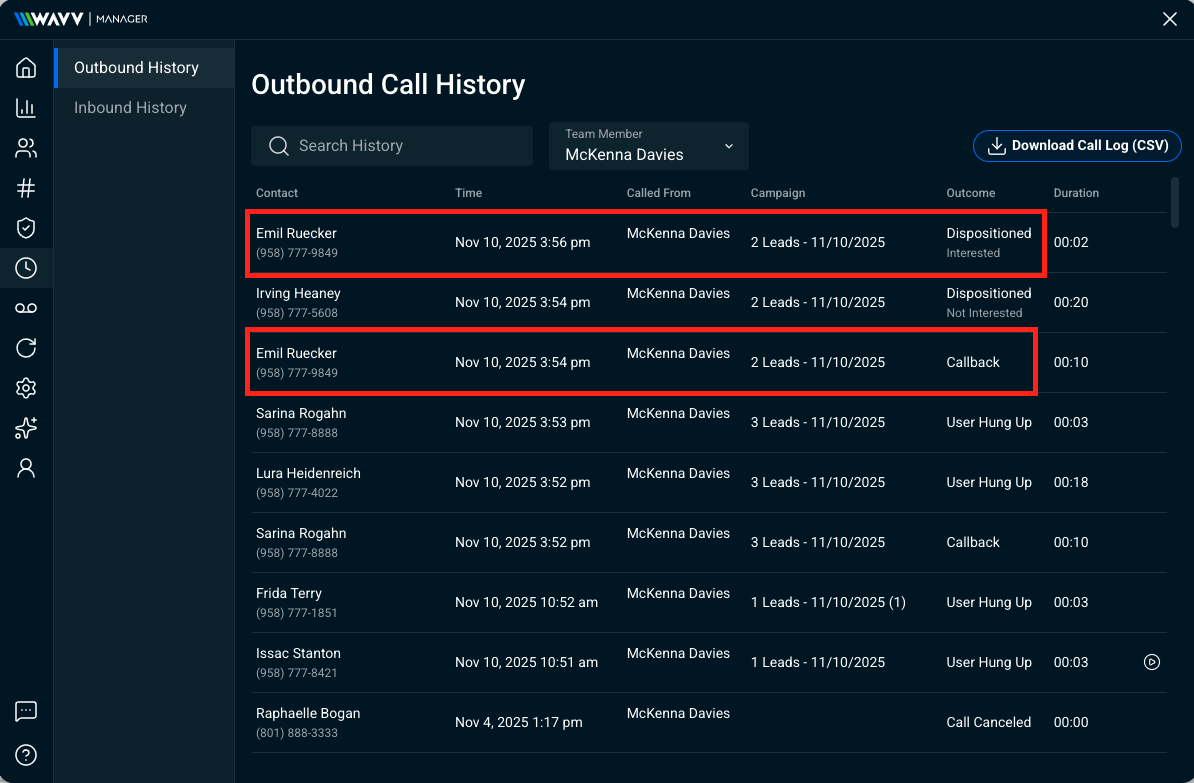
You'll notice the first call to Emil (the one at 3:54pm) is labeled as "Callback." This is simply a label, not a tag.
Then the second call to Emil (the one at the top at 3:56pm), the call outcome is a custom disposition: "Interested." This will tag the lead and trigger any automations I may have.