
Sending a Blast Message
Within you will see a pop-up modal that allows you to send messages to up to 100 people at a time. You can enter in the names of anyone in your database.
With every Message, you have a few "Actions" that you can perform.
Text - Can be written to send to your contacts
Emojis - Can be sent to personalize your messages
Attachments - Can be attached and sent to your contacts.
Merge Fields - Can be used to ensure each contact gets a personalized message (see Merge Fields)
Templates - Can be used to make outreach even faster and easier (see Templates)
Preview
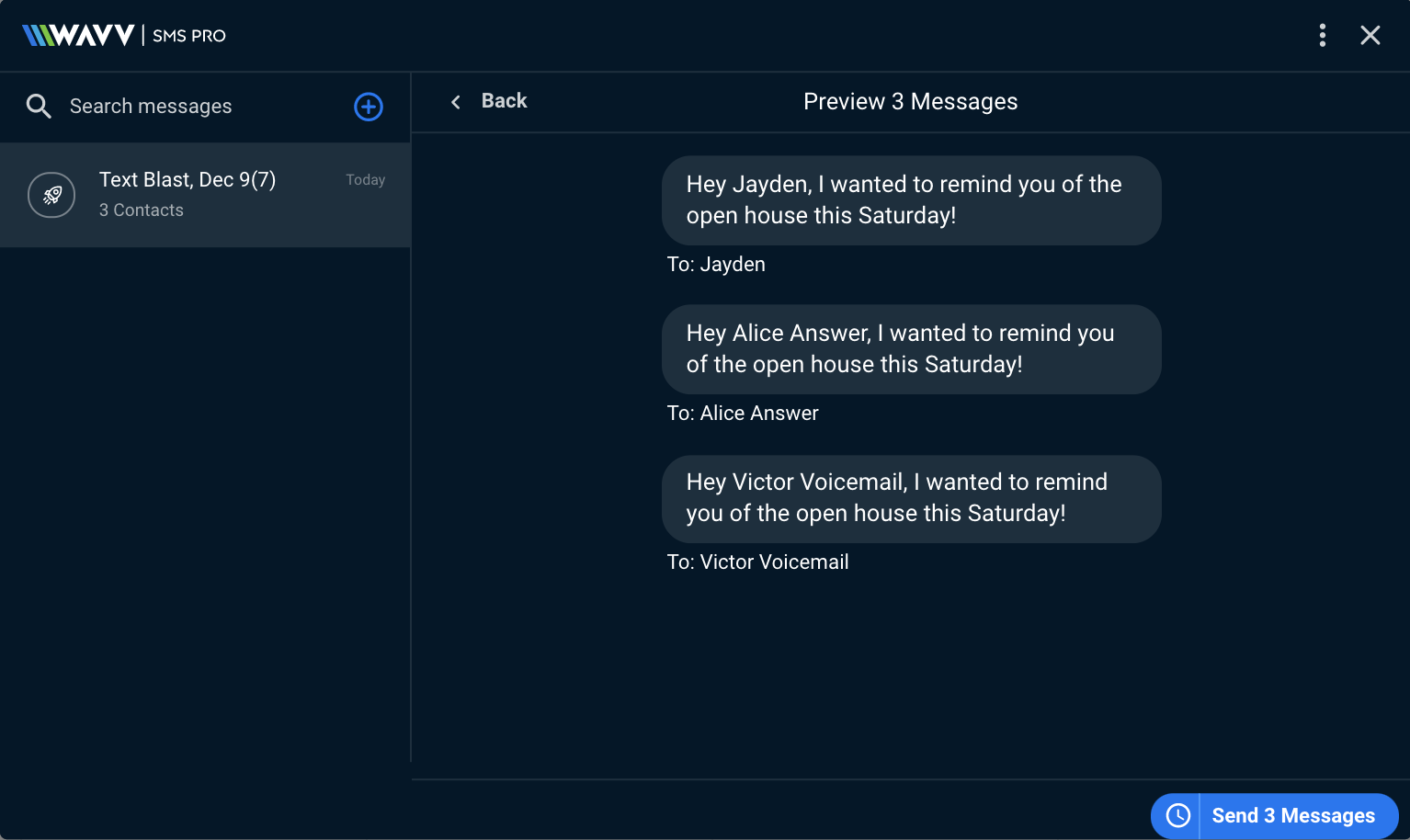
Before the message is sent, you will be shown a preview of your message. Each message can be individually updated to make your messages even more personalized.
Press "Send Messages" to send out your blast message.
Note: Blast messaging is not a group message, but a message sent to each contact individually.
Personalized Response
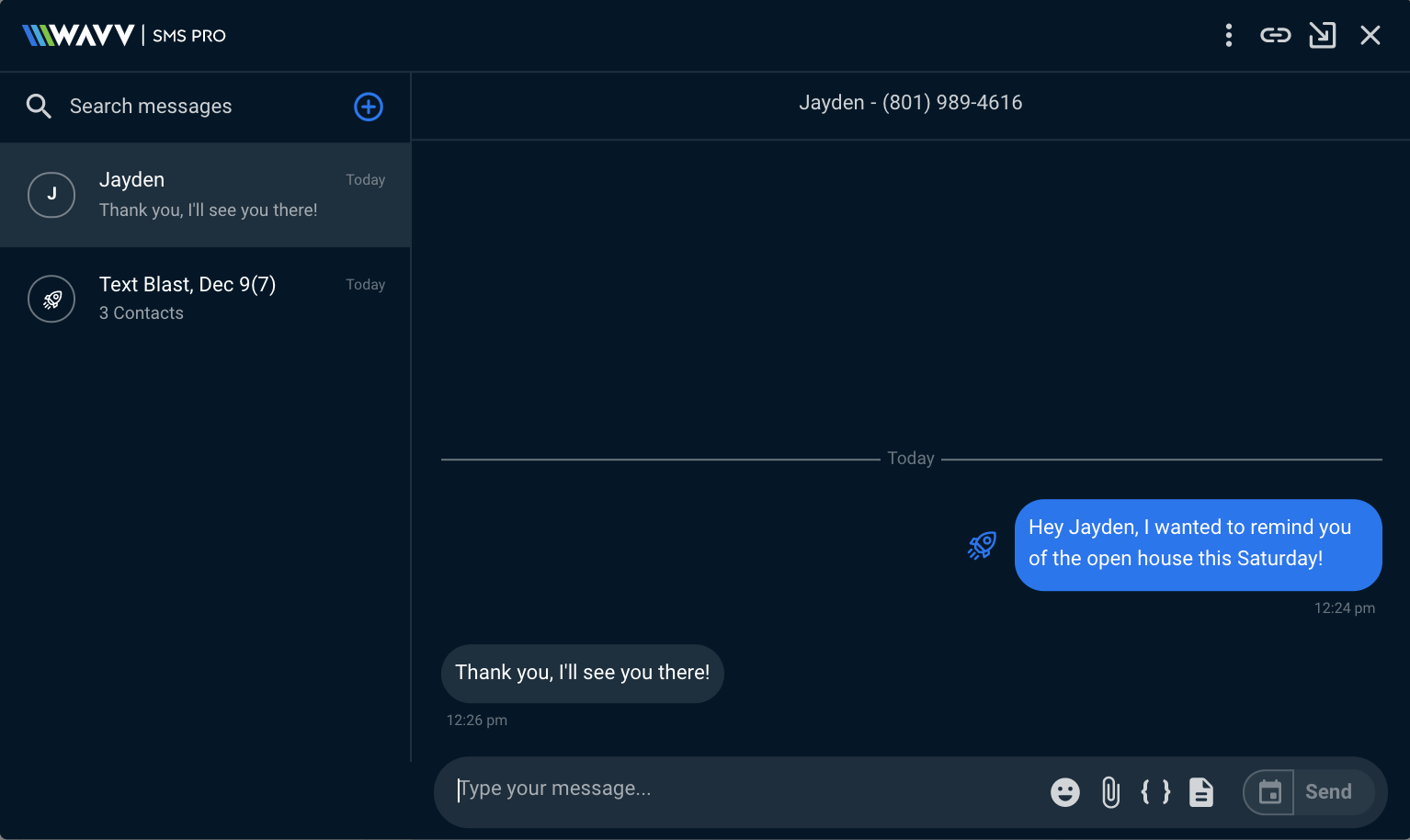
When a contact responds to your blast message, a new message thread between you and your contact will be started to facilitate further communications.