
Overview
WAVV Mobile provides users the option to use their smartphone with the WAVV Dialer. If an agent is dialing with their WAVV Number and receive an inbound call, the mobile app allows that call to come to the WAVV Mobile app. Alternatively, you can setup call forwarding to have inbound calls come straight to your phone, rather than the WAVV Mobile app.
Walkthrough
To setup WAVV Mobile, head to Settings and then the Mobile App tab in your settings.
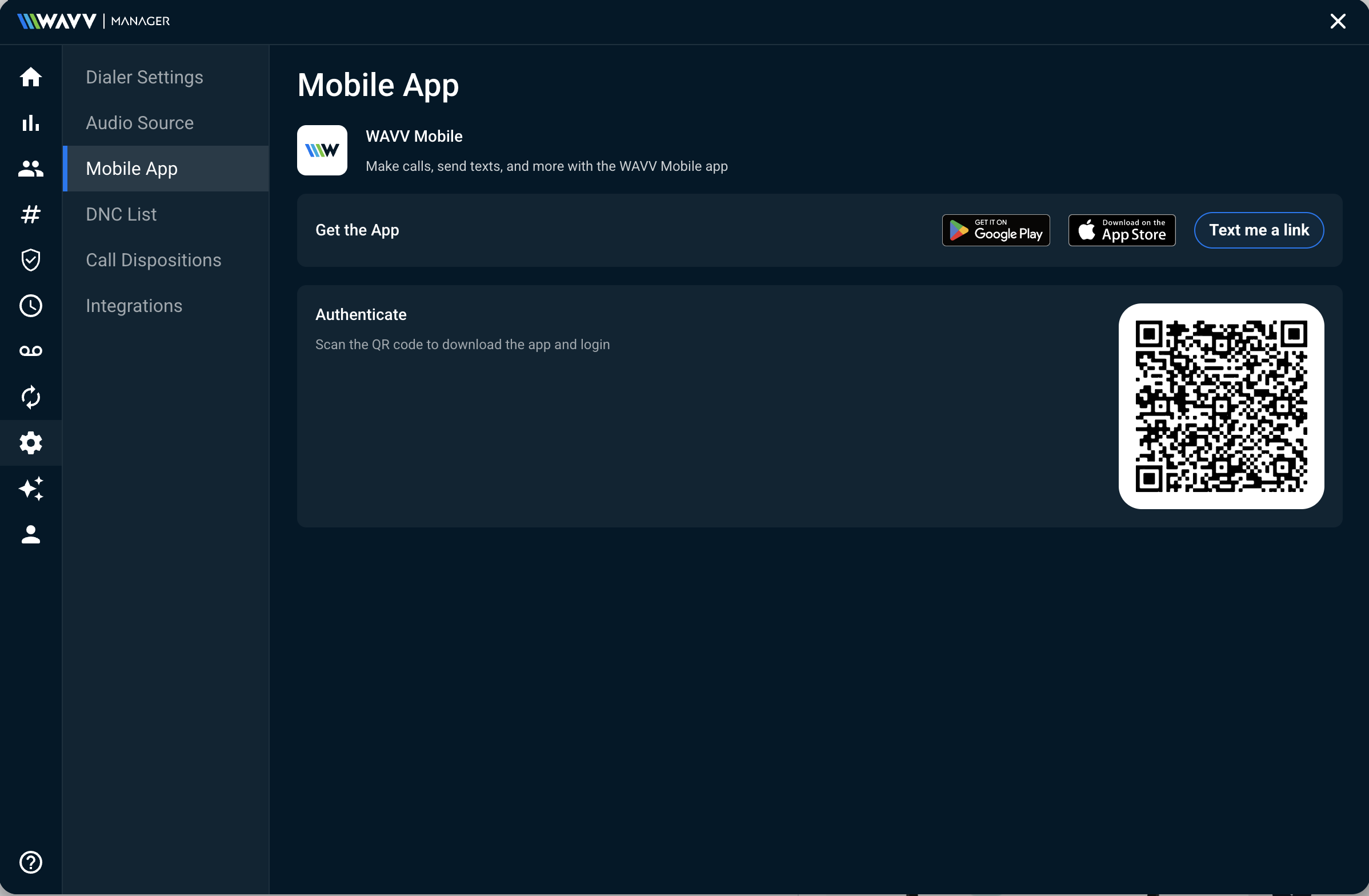
Scan the QR code on your screen with your smartphone camera to install the app and connect. Follow the instructions in the WAVV app to finish setup.
WAVV's mobile app is natively supported on iPhone (iOS). Android devices are not currently supported in the same way, so some WAVV app features may not work properly on Android.
If you're using WAVV on a mobile device, we recommend using an iPhone for the best experience and compatibility.
If you're experiencing an issue specifically on Android, please let us know what you're trying to do and we can help determine whether there is another way to accomplish it.
Note: If you are missing the Mobile App tab, it means you don't have a paid dialer seat. Go to the team tab and switch your role or purchase another seat so you can access the Mobile App tab.